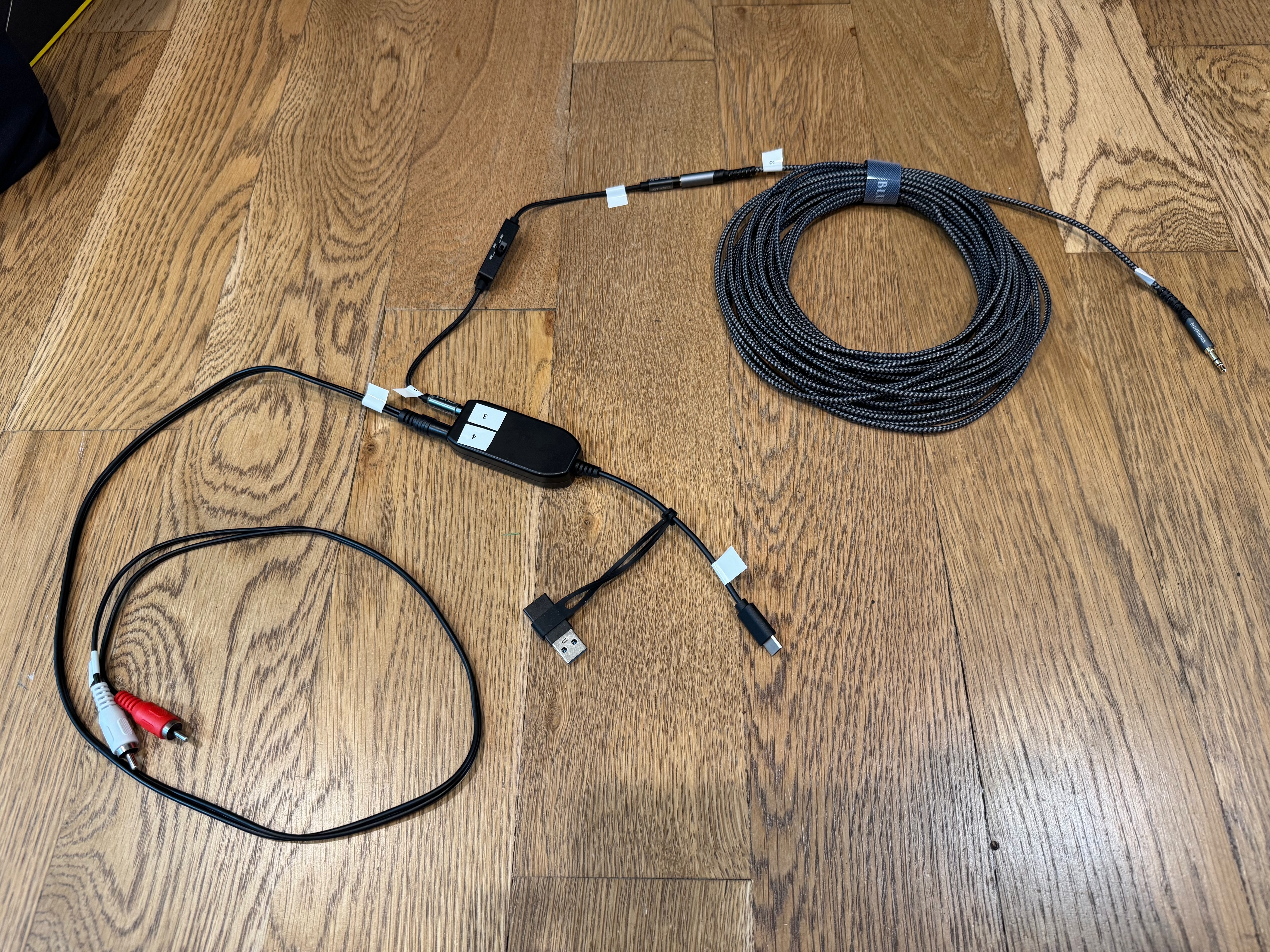
- Connect the headphone extension cable to the Line Level out
- Plug the headphone extension cable into the Line Level 3.5mm jack. The jack may be on the podium, under the clerk's desk, or behind the sacrament table.
- Run the cable to the Recorder device. If it crosses a walkway, tape it down or use a carpet cord cover so people do not trip.
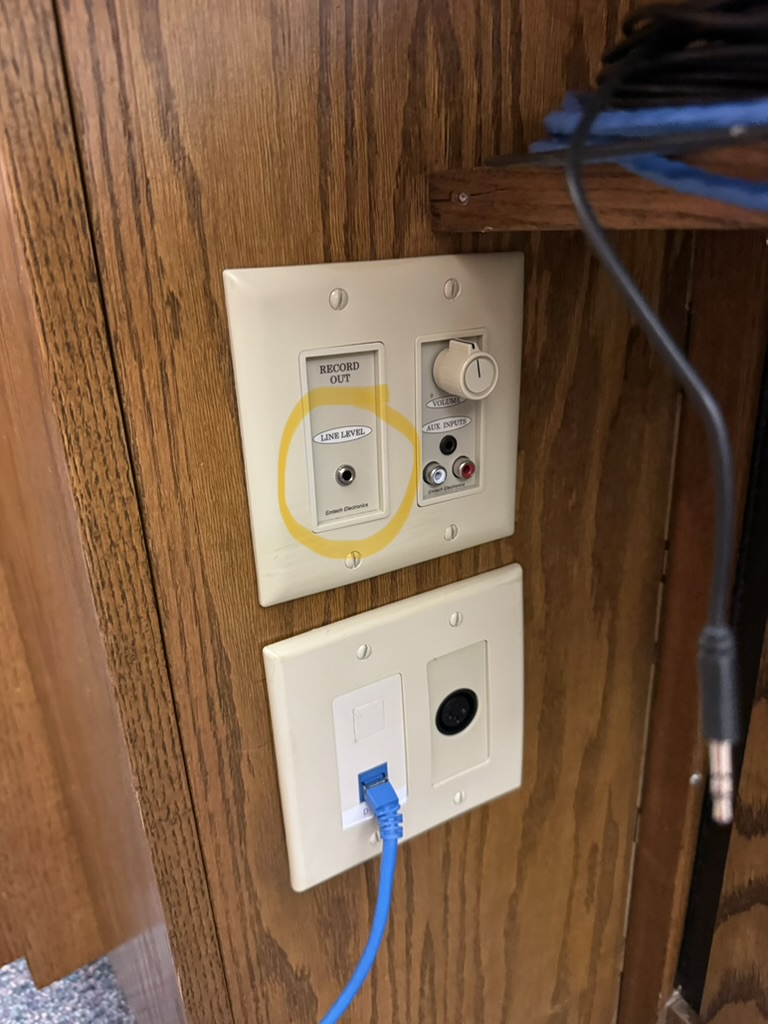
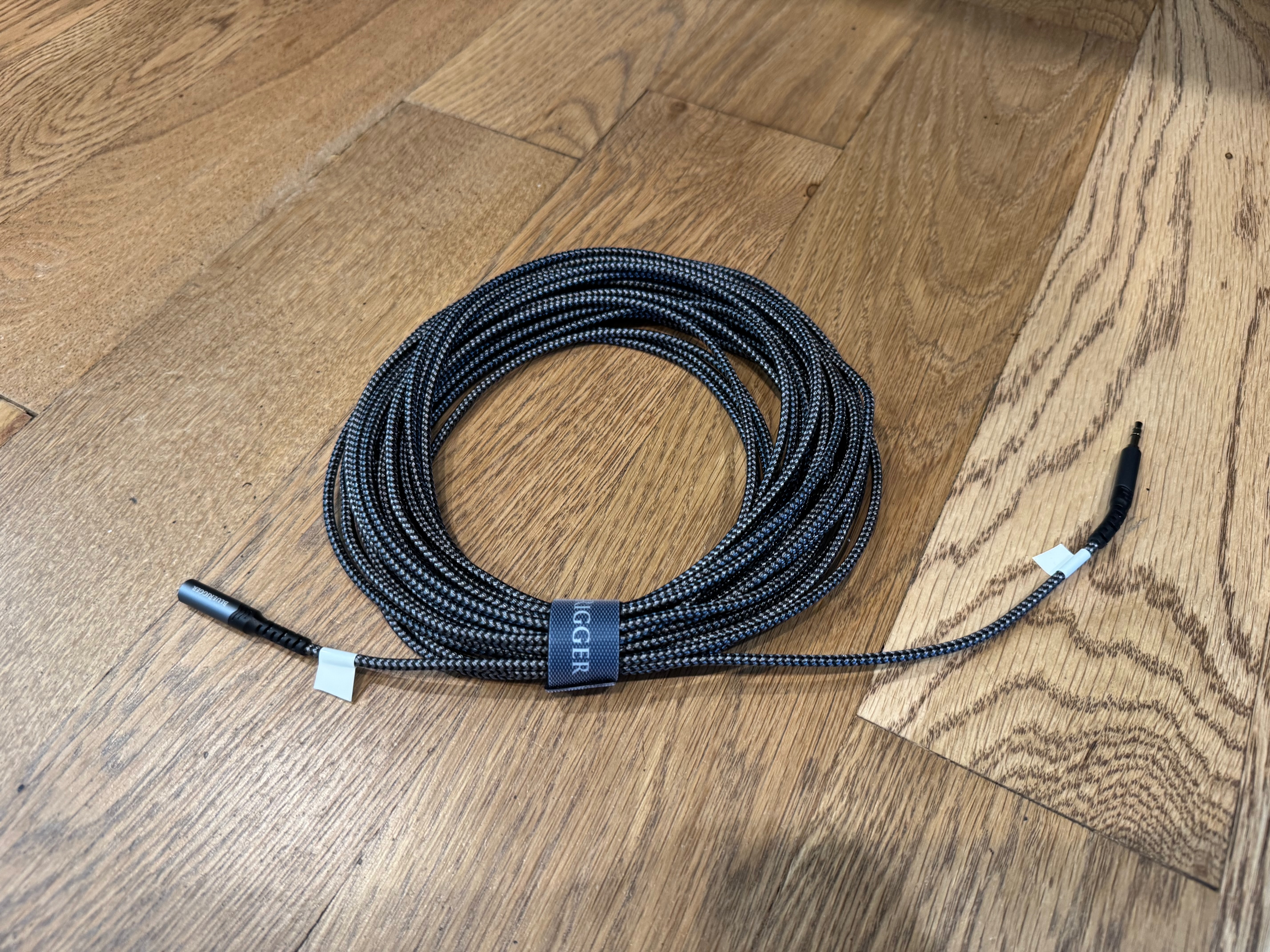
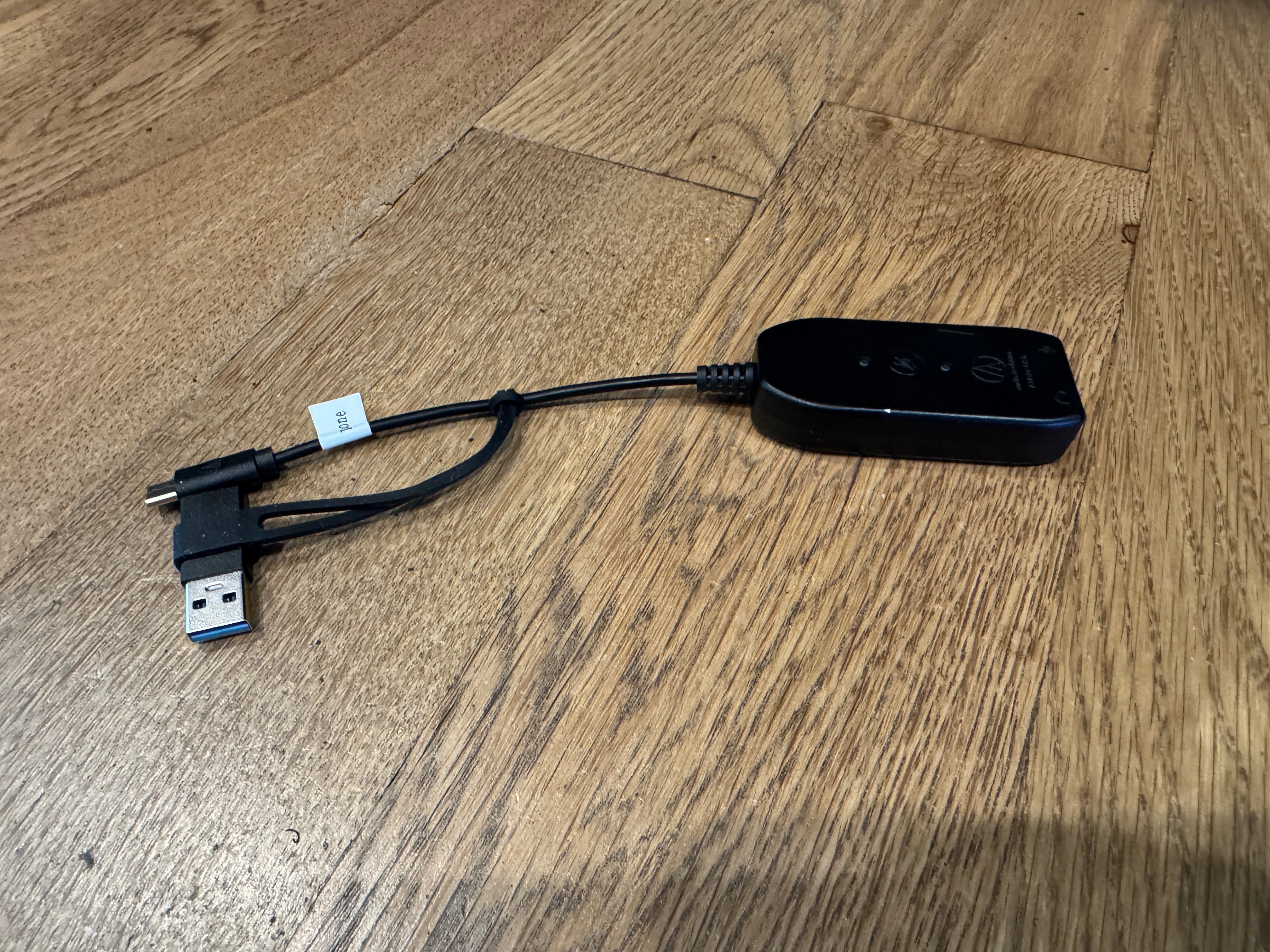
- Connect the attenuator to the ATR2x sound card
The attenuator goes directly into the ATR2x, which is plugged into the phone.
- Set the attenuator switch to −20dB (the middle of −10dB, −20dB, and −30dB). Start there; you can change it later if the audio is too hot or too quiet.
- Plug the Line Out end of the attenuator into the headphone extension cable.
- Plug the ATR2x USB-C sound card into the phone (or other Recorder device).
- Plug the To Mic In end of the attenuator into the microphone input on the ATR2x.
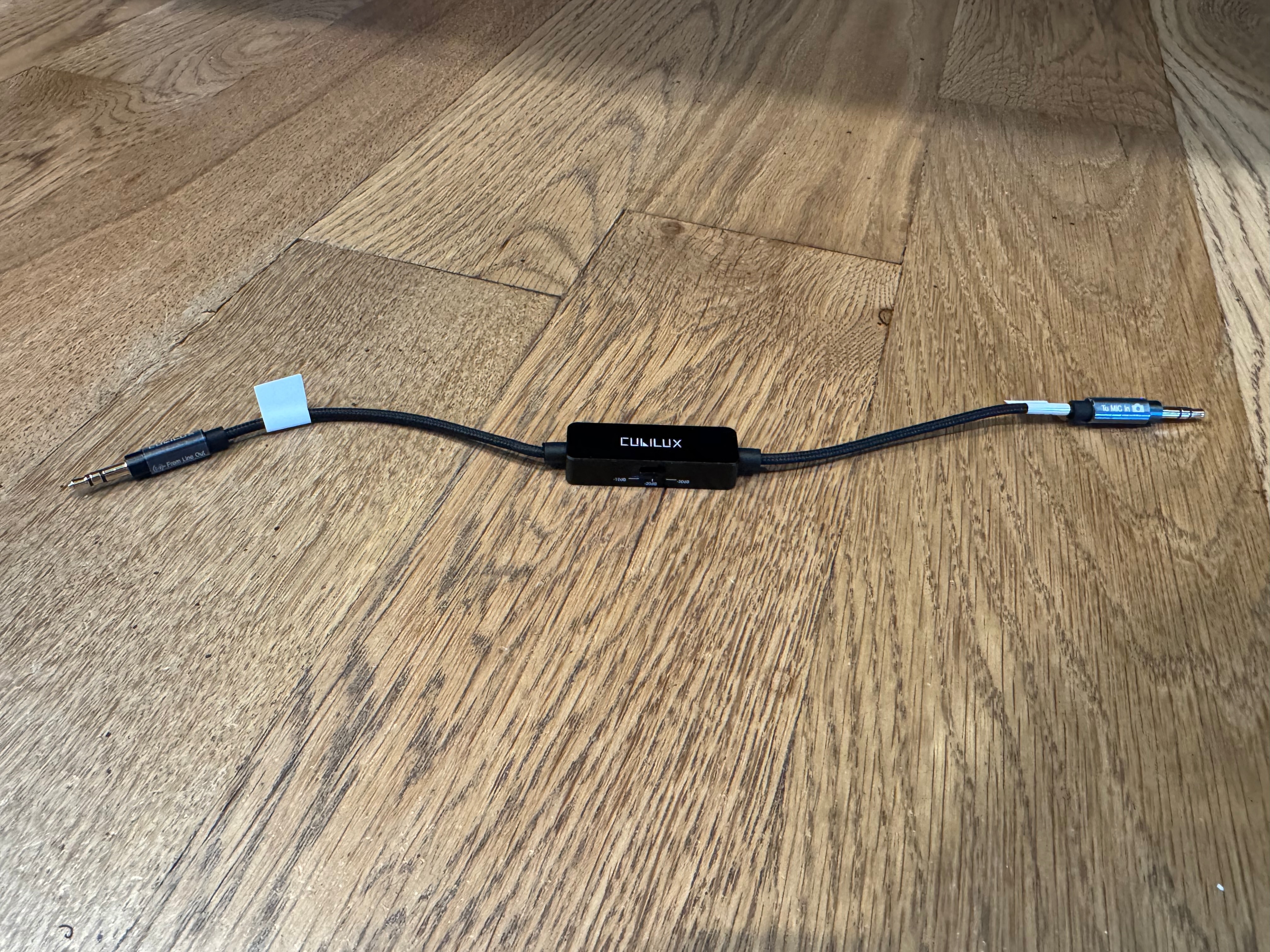
- Test audio
- With the Recorder web page open, have someone speak into the chapel microphone to verify that the audio level meter responds.
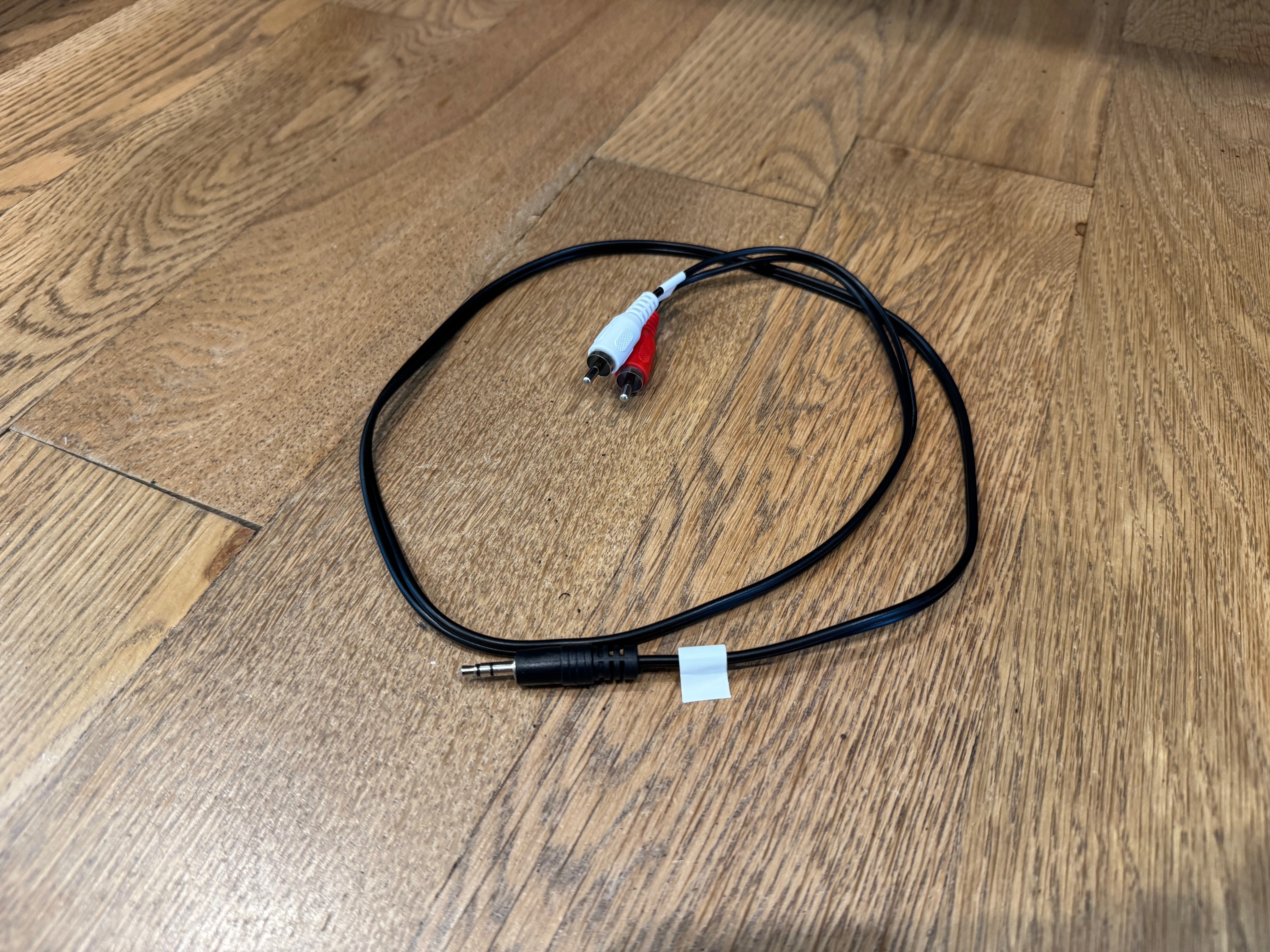
- Attach the RCA cable which connects to the assistive listening hub (optional)
- Plug the 3.5mm to RCA adapter into the USB-C sound card headphone out jack.
- Plug the RCA cable into the adapter on the assistive listening hub.
0 Comments
Add your comment