- Open the Recorder and start a session
Open the recorder application.
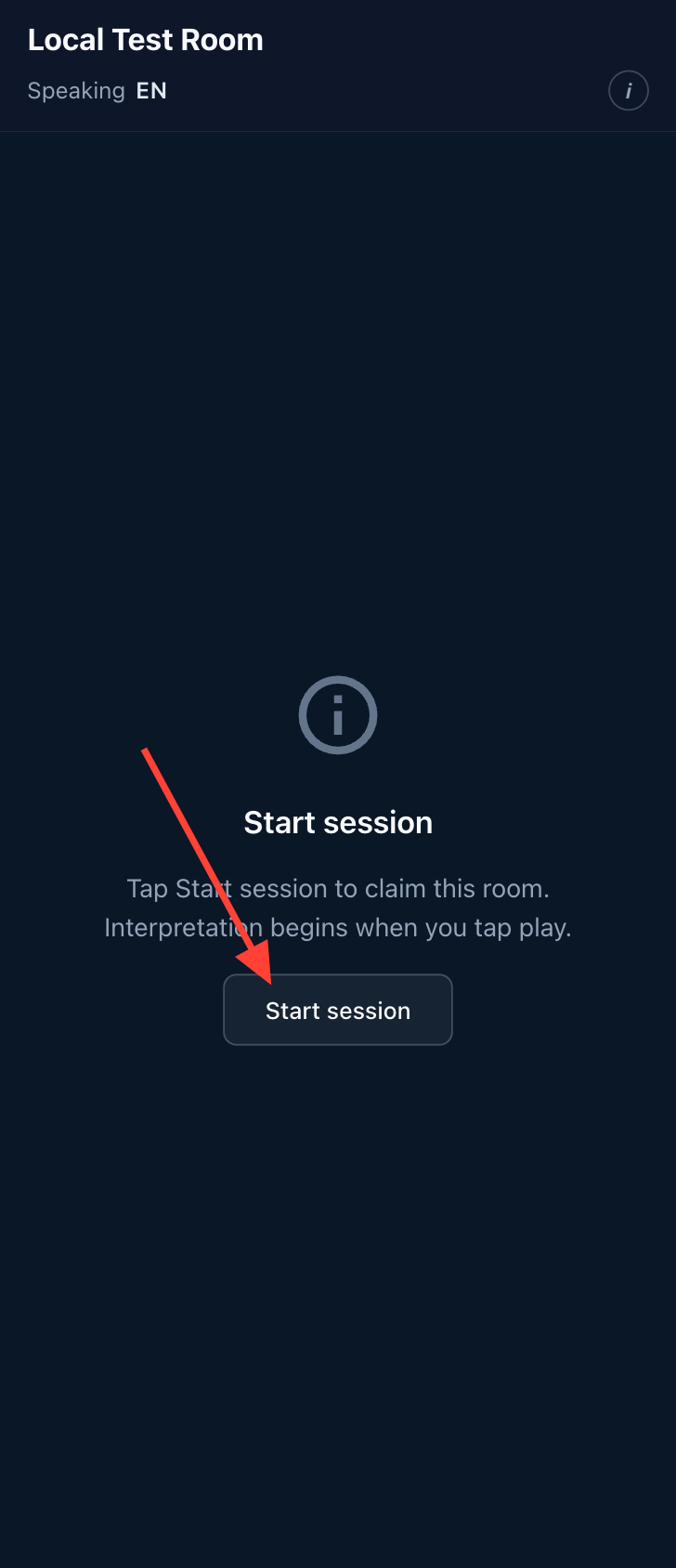
Click Start Session to connect to the server and begin a meeting.
- Verify language settings
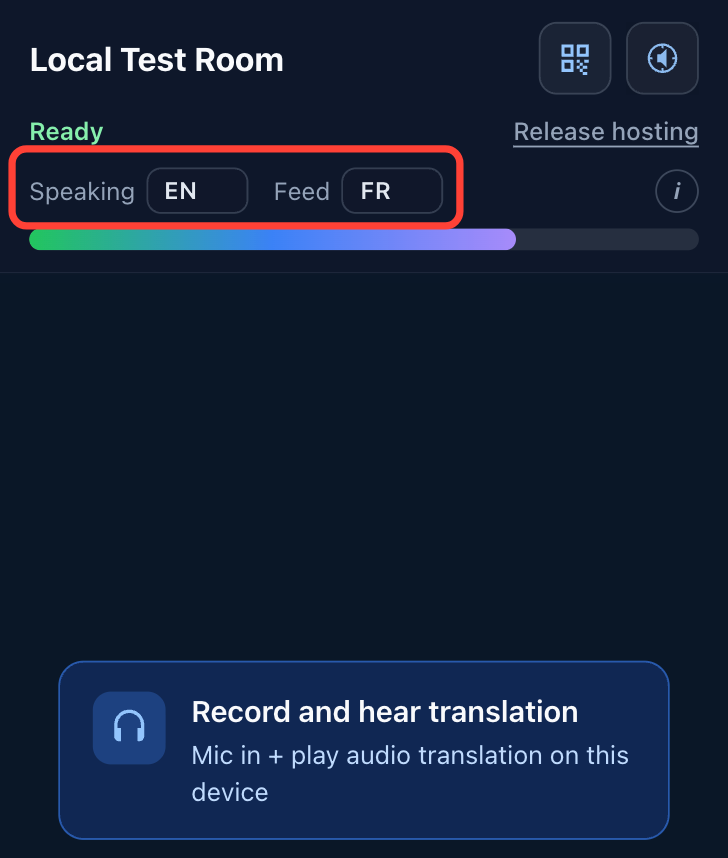
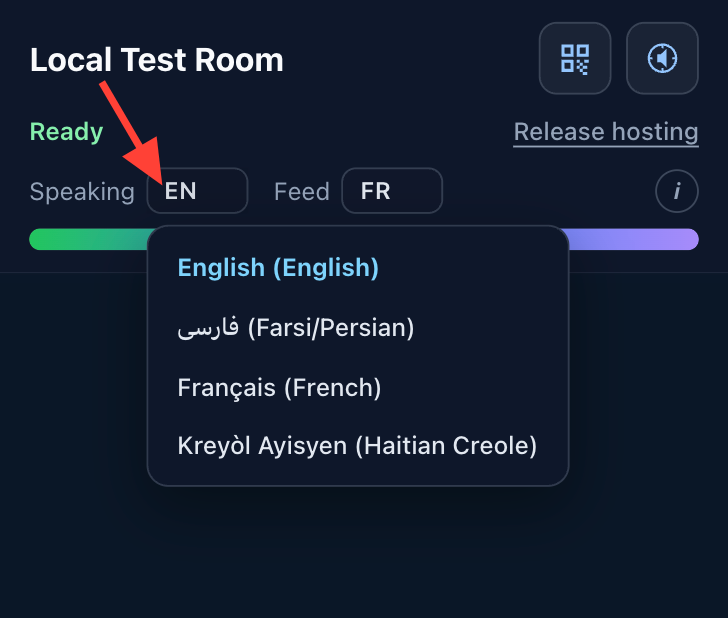
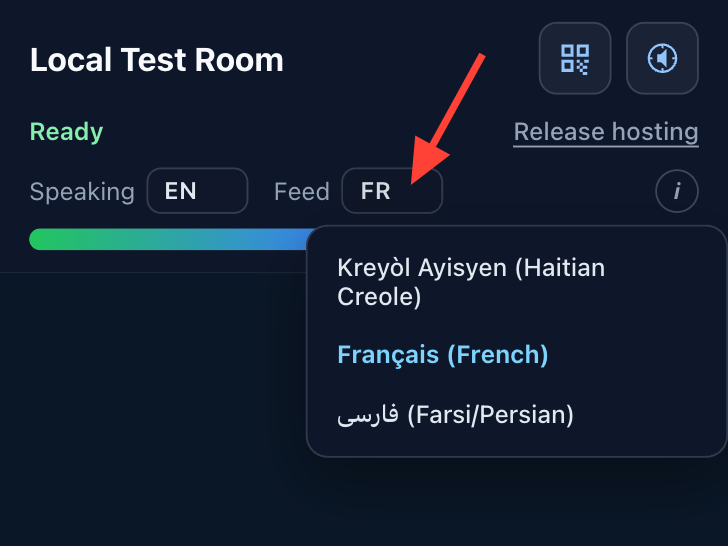
Verify that the speaking language and interface language are set correctly before starting the meeting.
- Identify and confirm the audio channel (optional)
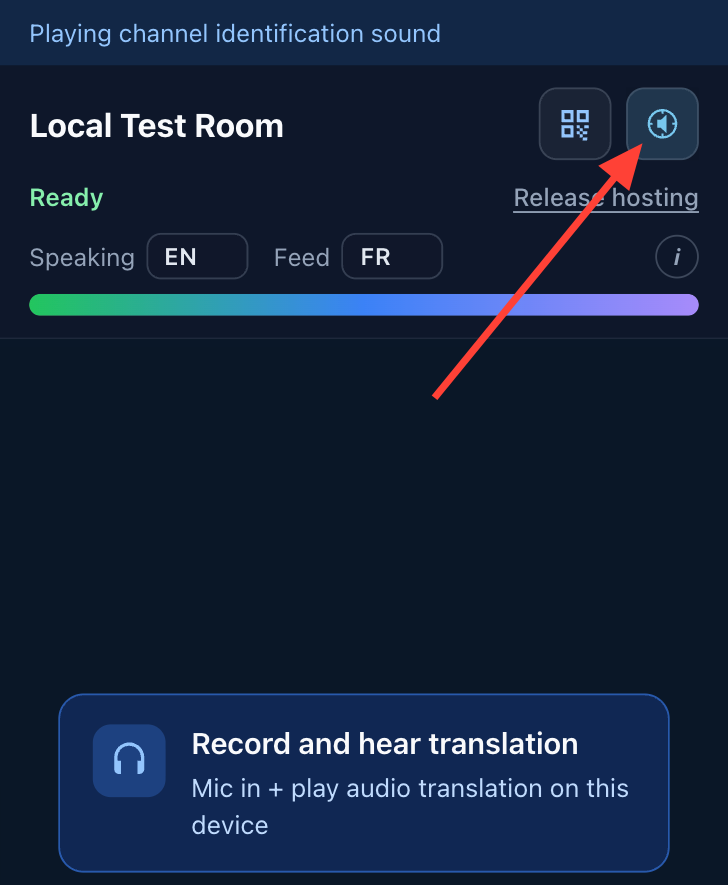
Click Identify Channel to play a sample voice stating the language name that plays on a loop.
Use this to confirm the correct audio output for each headset or device.
Once you have confirmed that audio can be heard in the headsets, press the button again to stop.
- Share the Reader QR Code
If you need to share access for a reader device refer to Share the All May Hear Reader web page with others from the Recorder
- Choose how to record and broadcast
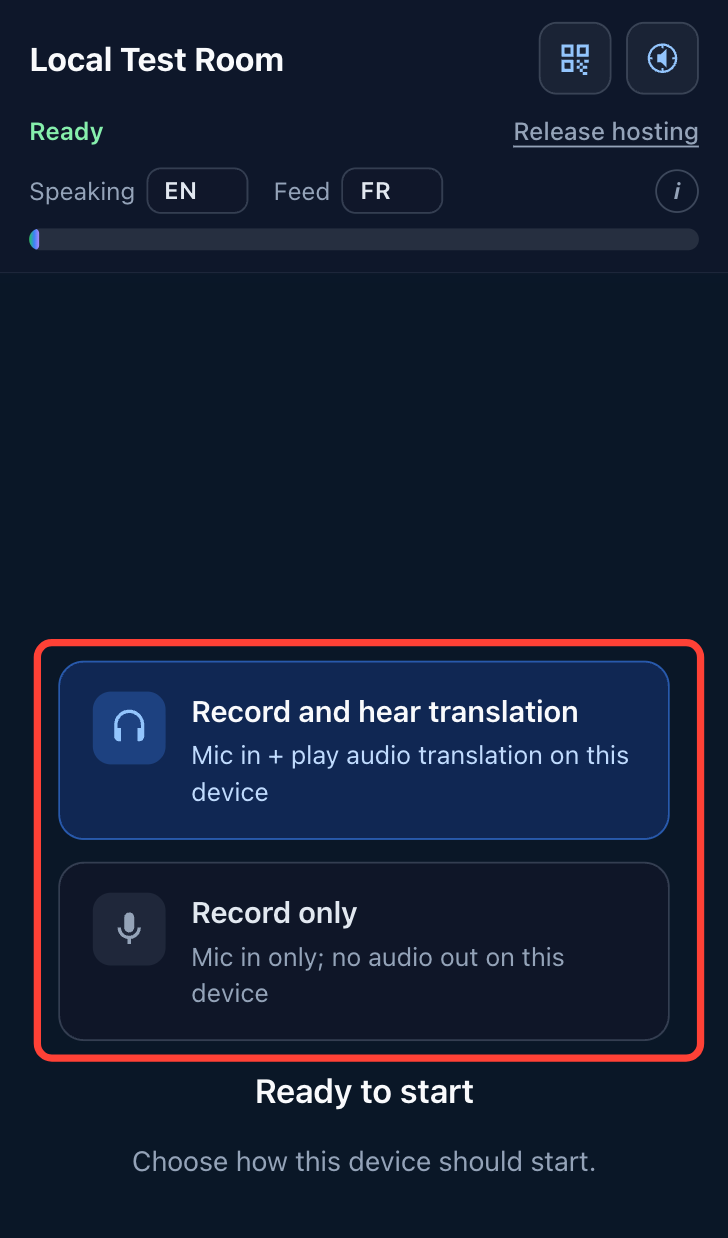
On the first screen, select one of the following:
- Record and hear translation to broadcast audio to an assistive listening hub.
- Record Only to capture audio for translation and distribution to mobile devices.
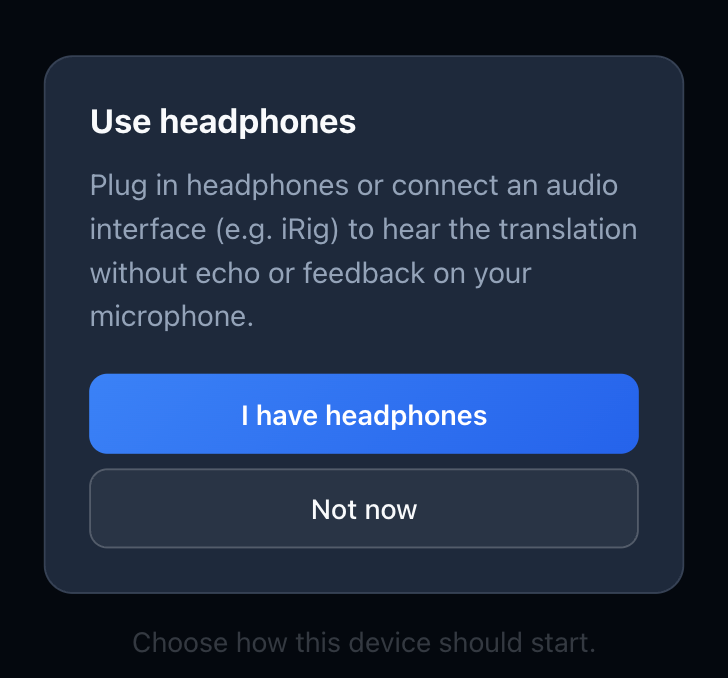
If broadcasting audio, confirm you have headphones or some other device connected when prompted.
- Monitor and end the meeting
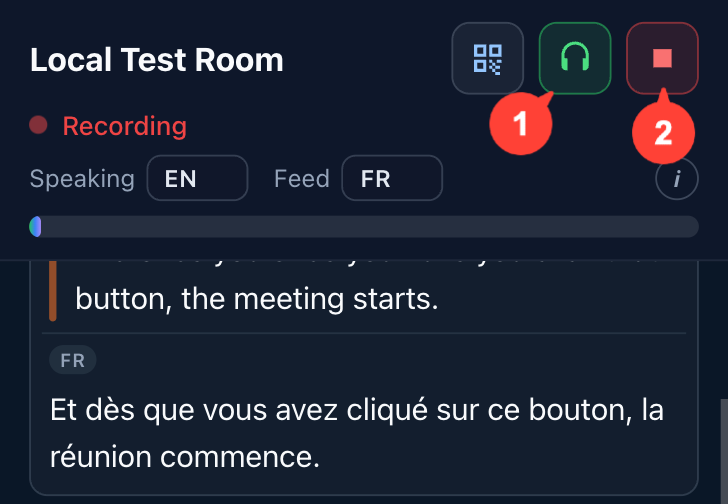
During the meeting, the Headphone icon (1) in the top right will be enabled if the audio feed is being broadcast.
When finished, click Stop (2) to end the meeting.
0 Comments
Add your comment