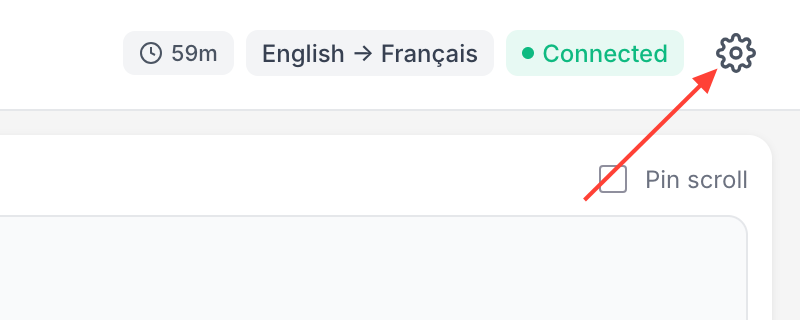
- Click the settings icon
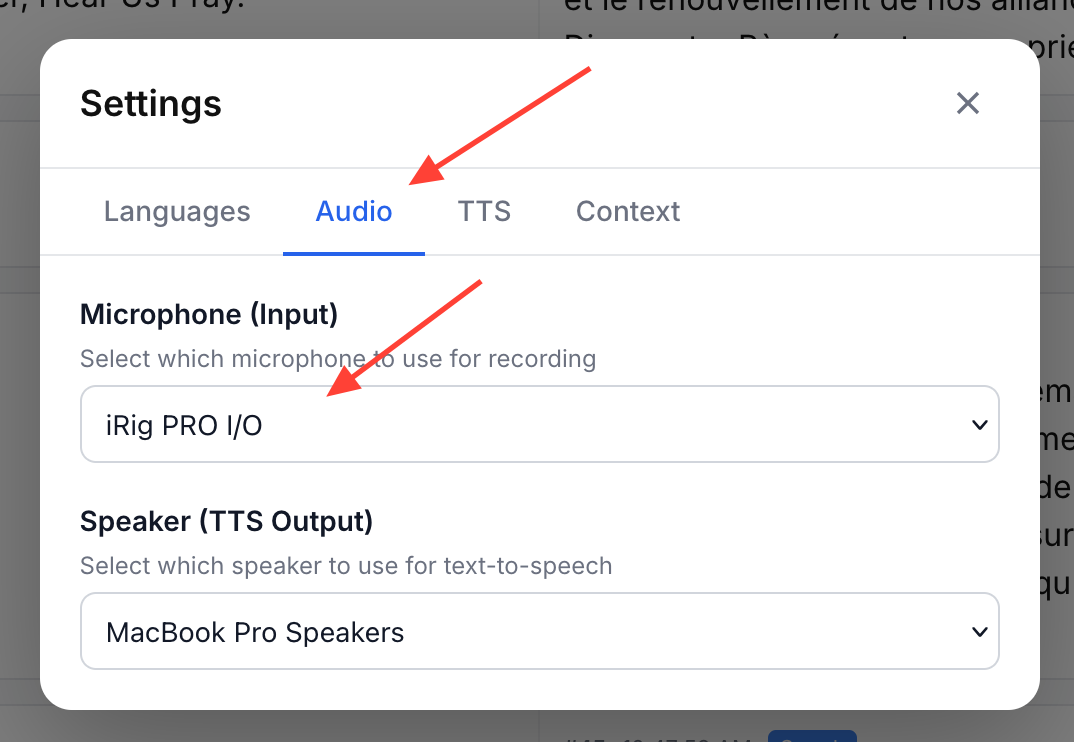
- Select the Audio tab and choose your preferred microphone input
When you select a new input the browser will prompt you to grant permission if you have not done so previously.
How do I change the audio input source for a room?
Updated on