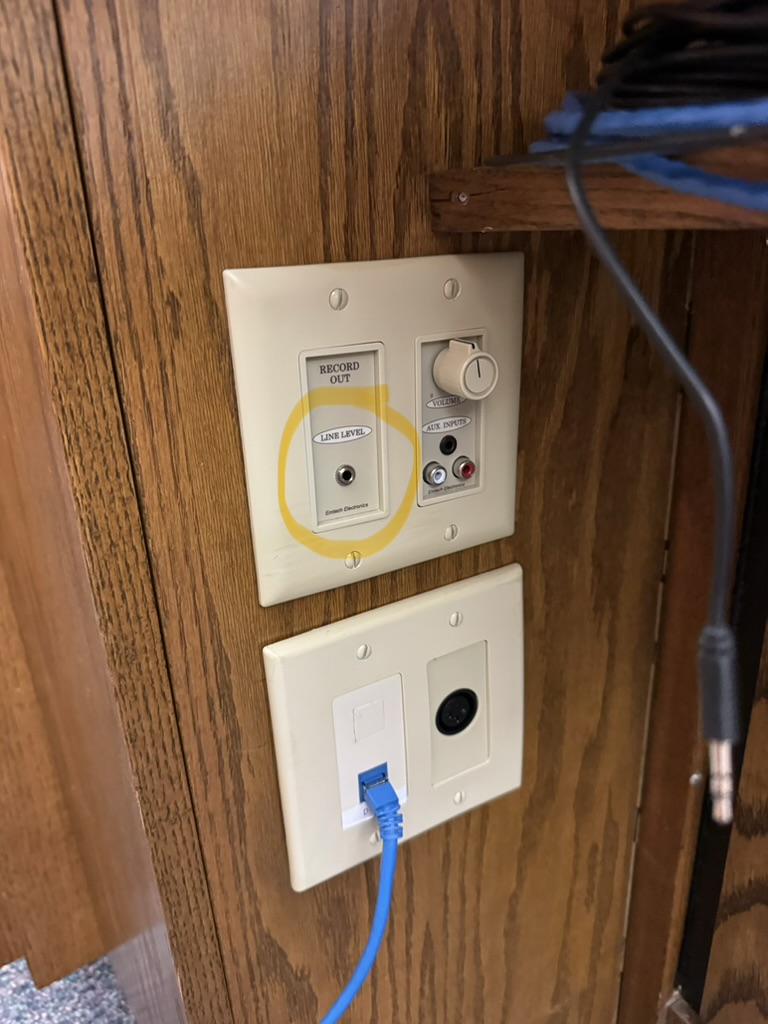
Line Level 3.5mm output
The jack will look something like the one in this picture, though it will be placed in different places depending on the building. It could be on the podium, under the clerk's desk, or behind the sacrament table for instance.
Equipment List
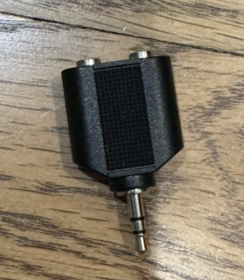
[1] Line out splitter
Optional. Allows the line out 3.5mm jack to be used by both Zoom and the interpreter web application.
[2 A] Wired Setup
This setup is for hardwired configurations, rather than wireless configurations. Once all of the parts are plugged together it will look like this:
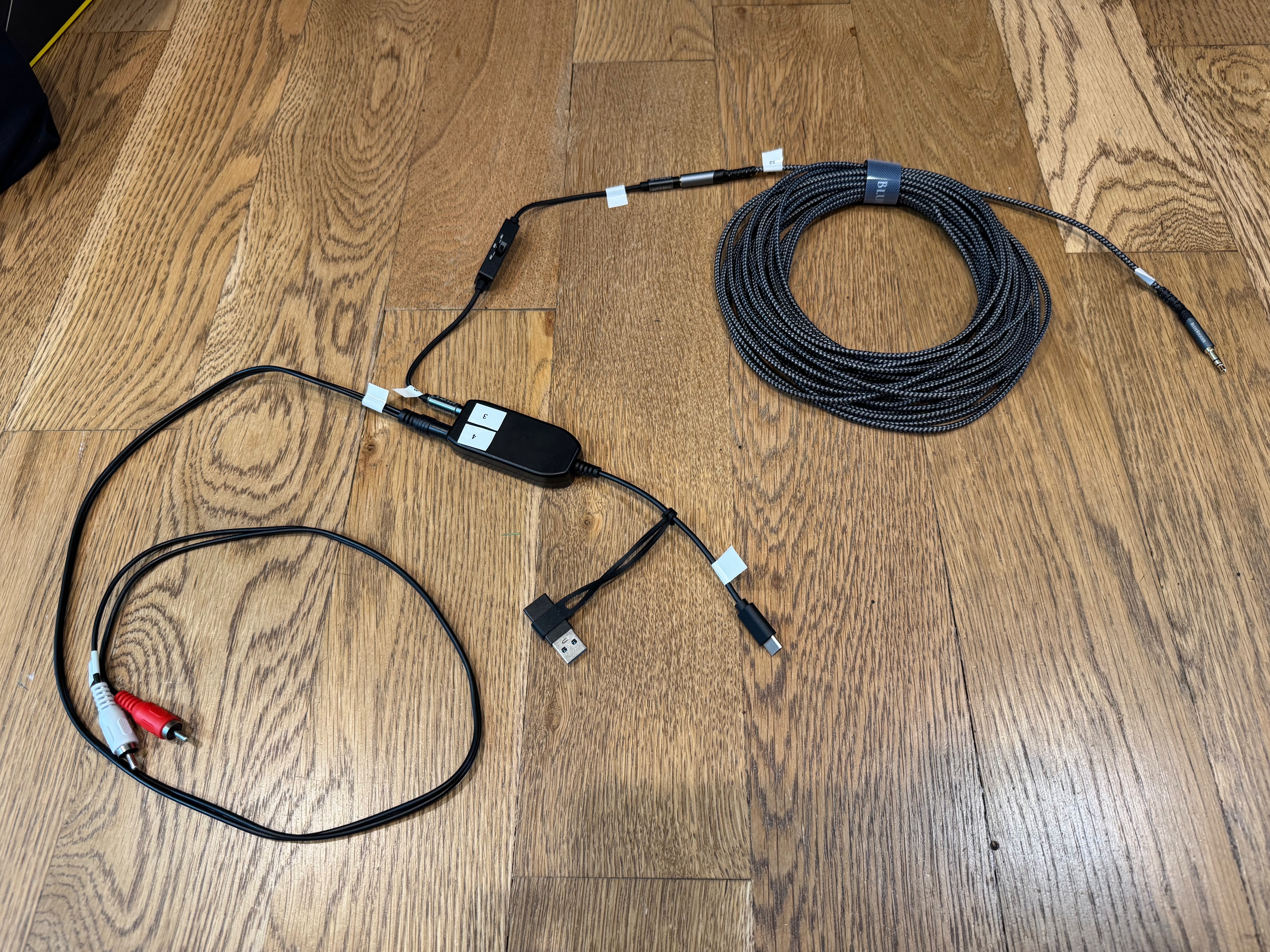
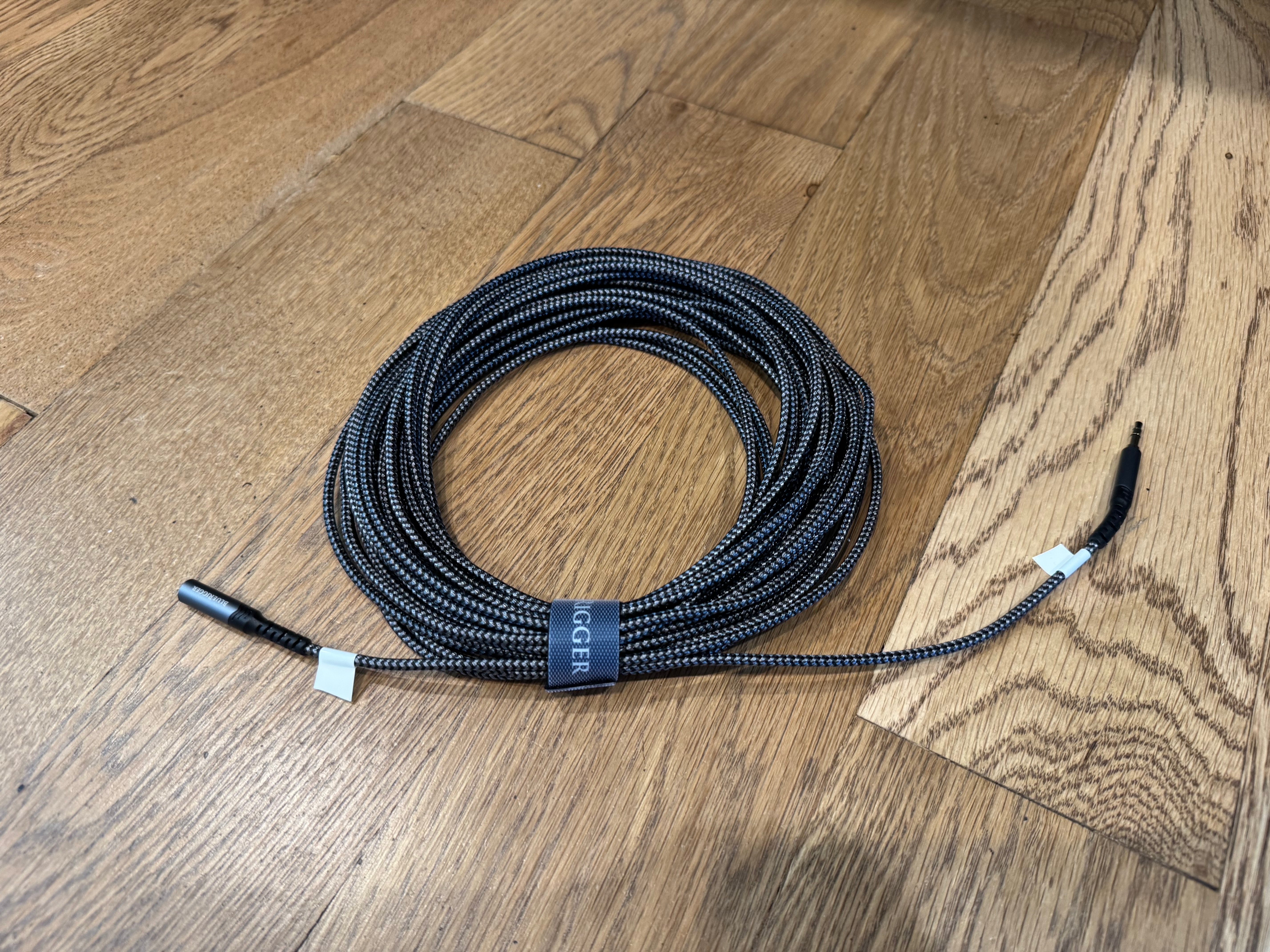
Headphone extension cable
The length will vary depending on how far away your device running the interpretation web application is from the line level out jack. This example is 40ft.
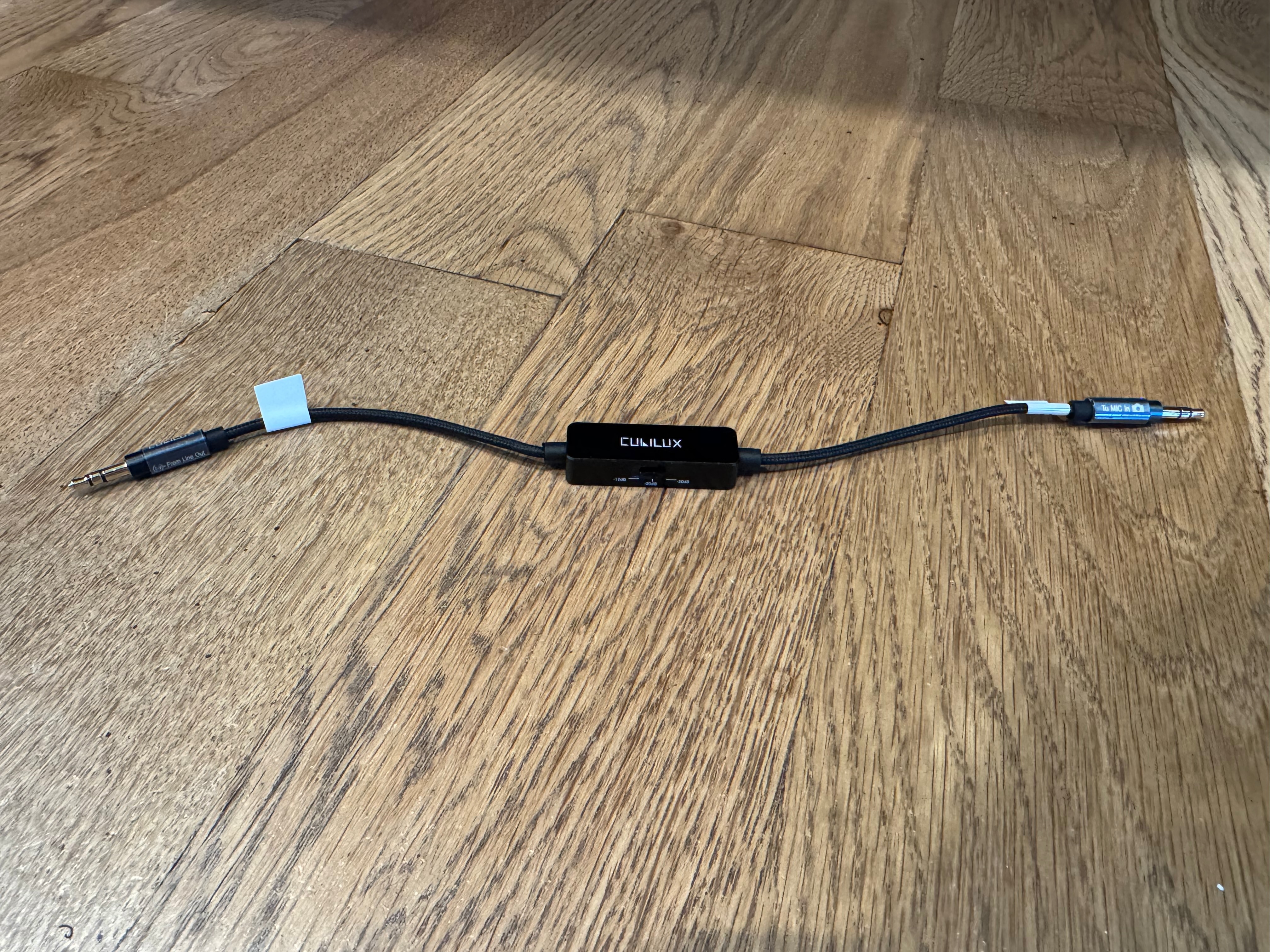
3.5mm TRS Line to Microphone Attenuator Cable
This reduces a strong, loud audio signal (line-level) down to a weak audio signal (mic-level).
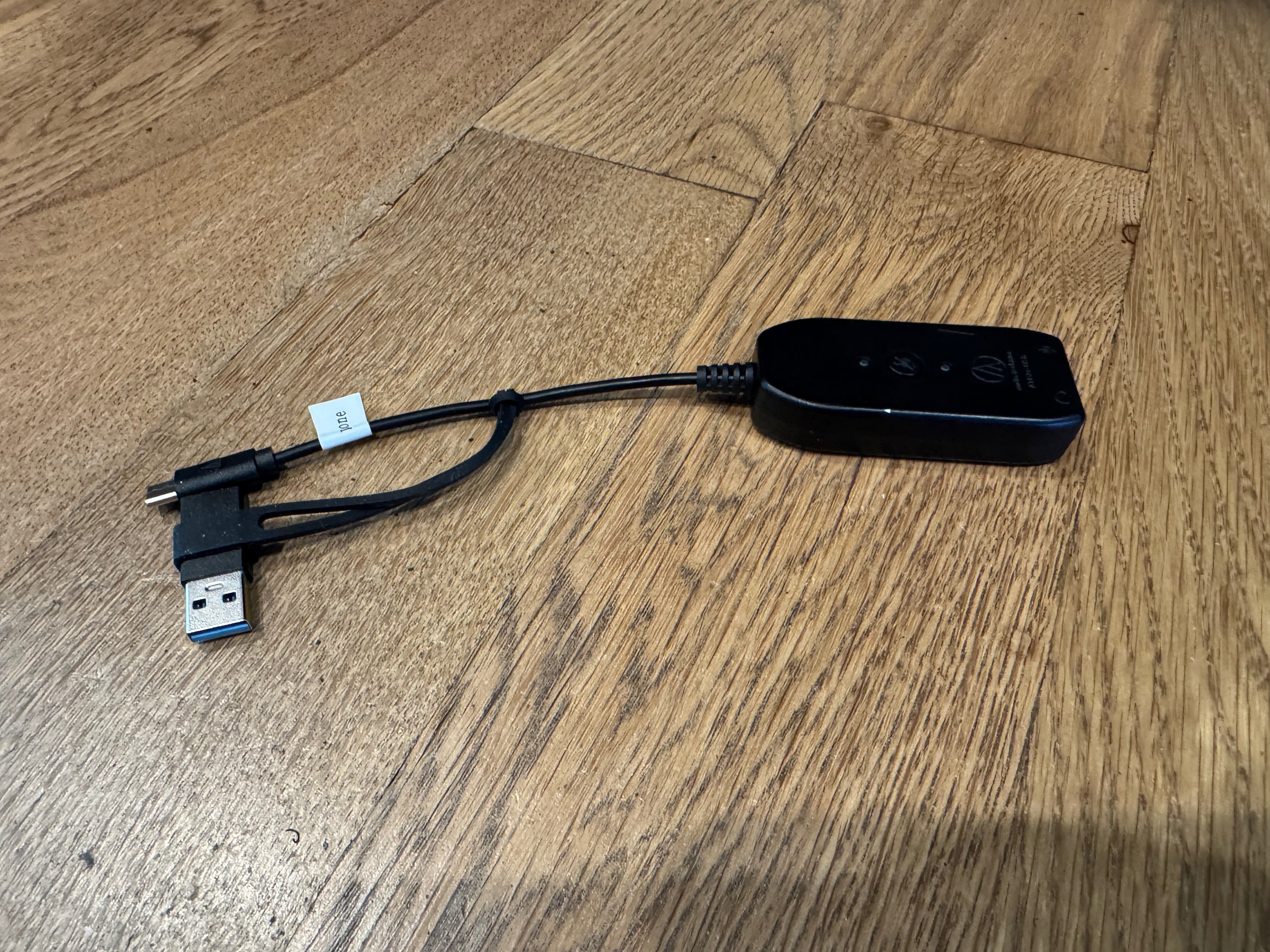
USB 3.5mm to USB Audio Adaptor (sound card)
Adds 3.5mm audio in and audio out support to a device.
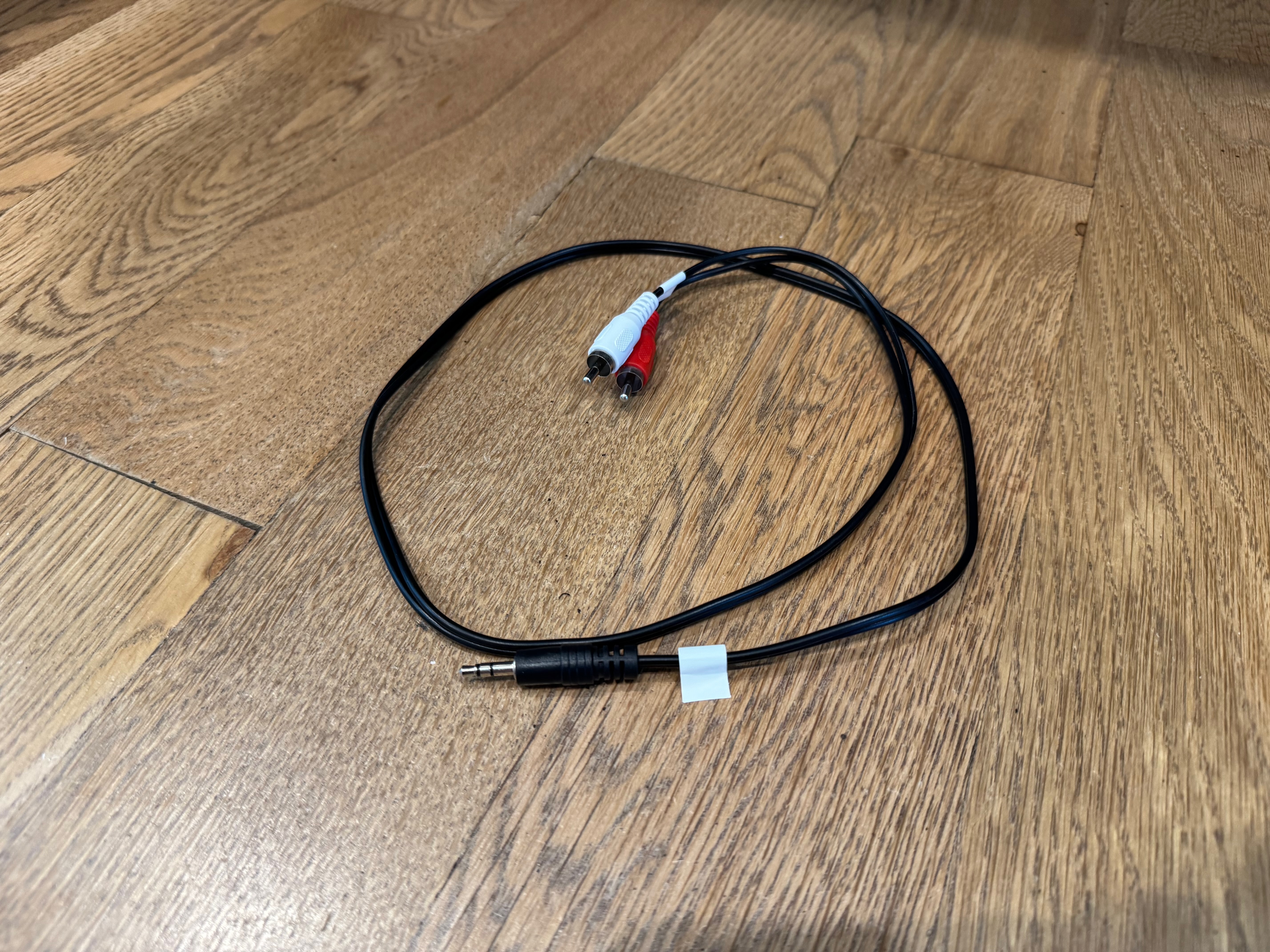
3.5mm to RCA Audio Cable
Connects the audio adapter to the assistive listening hub.
[2 B] Wireless Setup
This setup is for wireless configurations. Once all of the parts are plugged together it will look like the following.
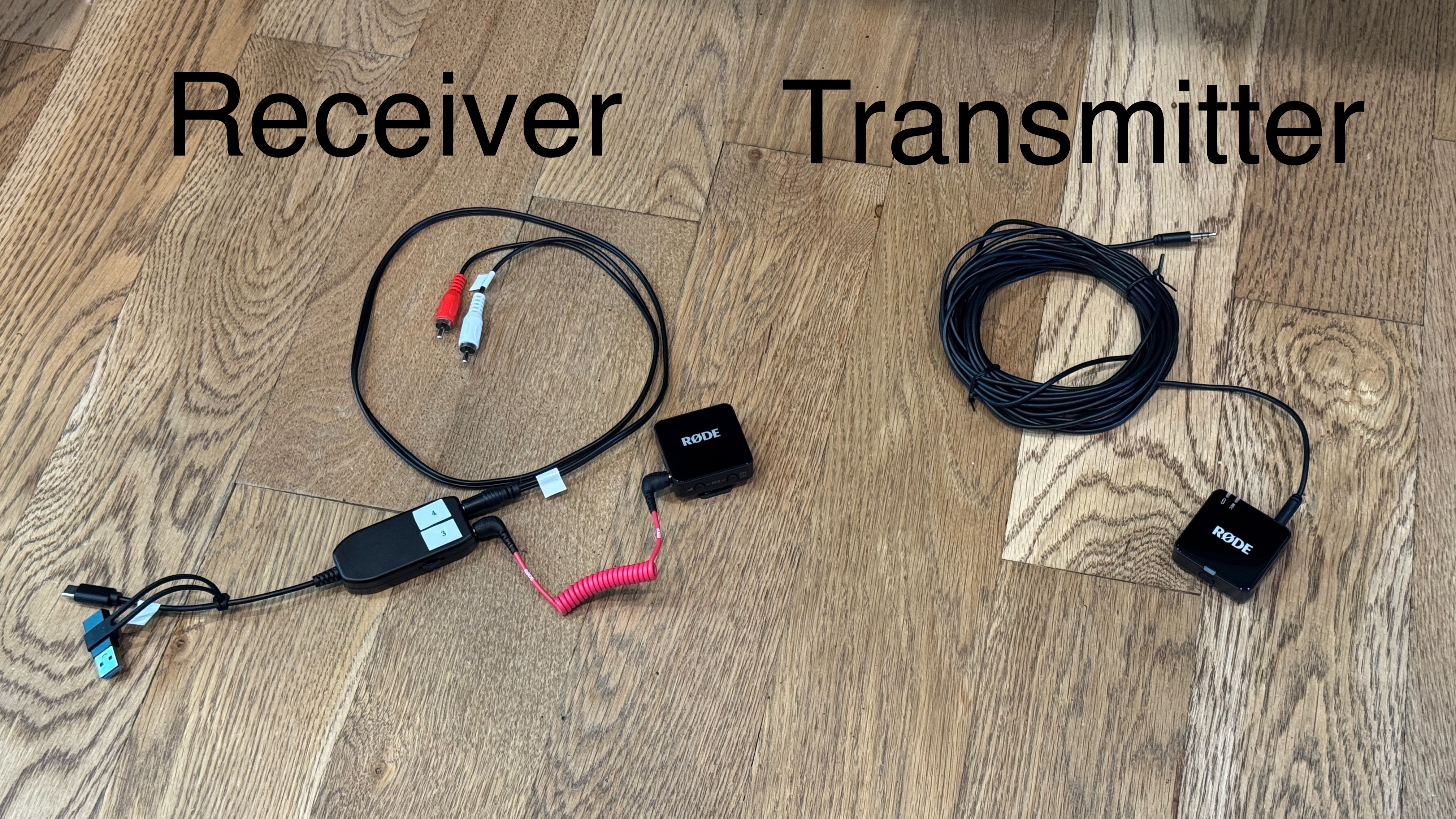
Wireless Mic System
A wireless mic system like the Rode Wireless GO III will transmit audio from the line level output jack to your device. This can be much more convenient when the output jack is on the podium. In addition, it allows you to use it in other meetings where there may bot be a microphone system because the Rode transmitters have both a 3.5mm input as well as a built-in microphone.
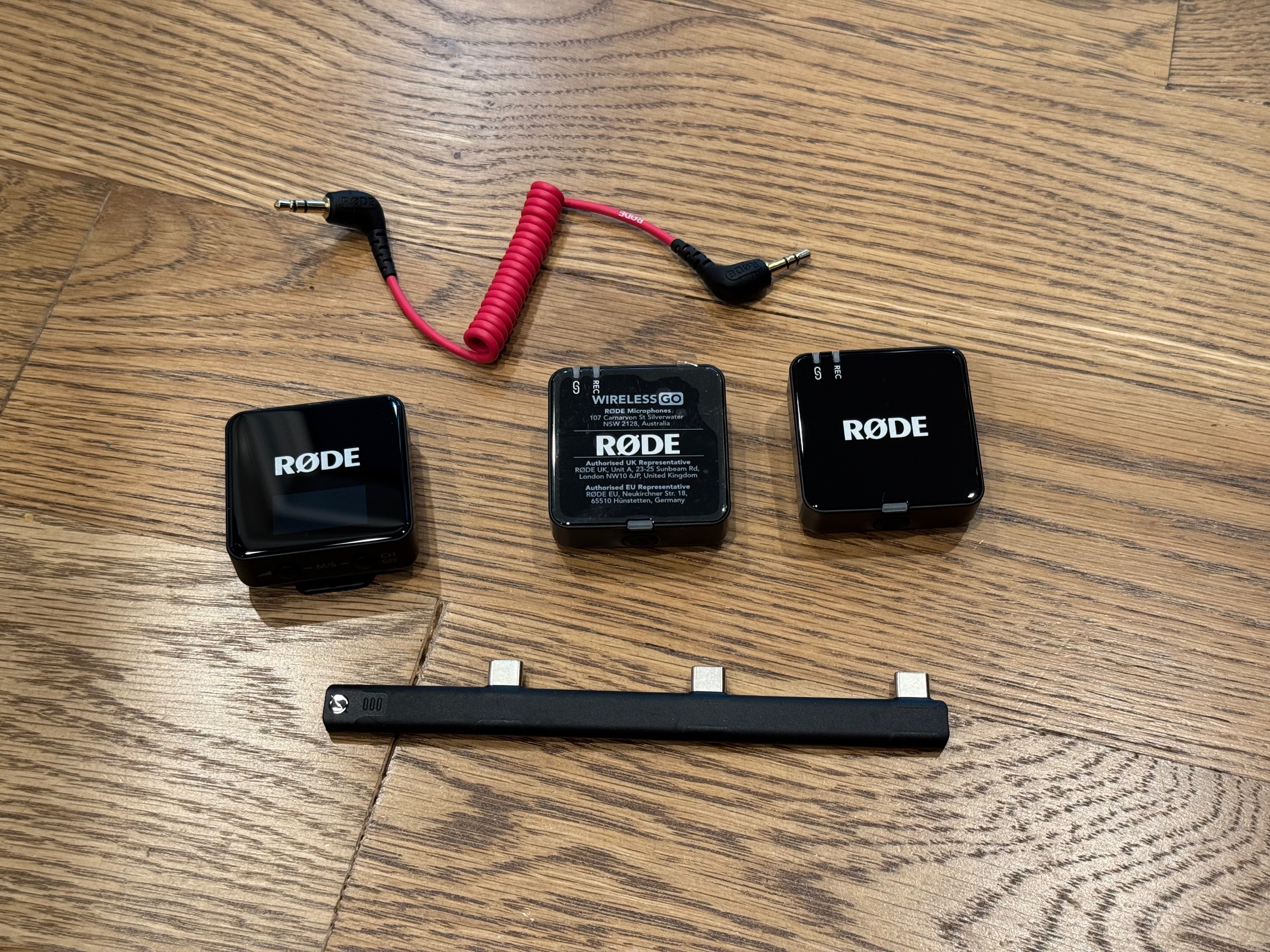
3.5mm Stereo Audio Cable
Connects the line level output jack to the wireless mic transmitter. This cable shouldn't need to be very long.
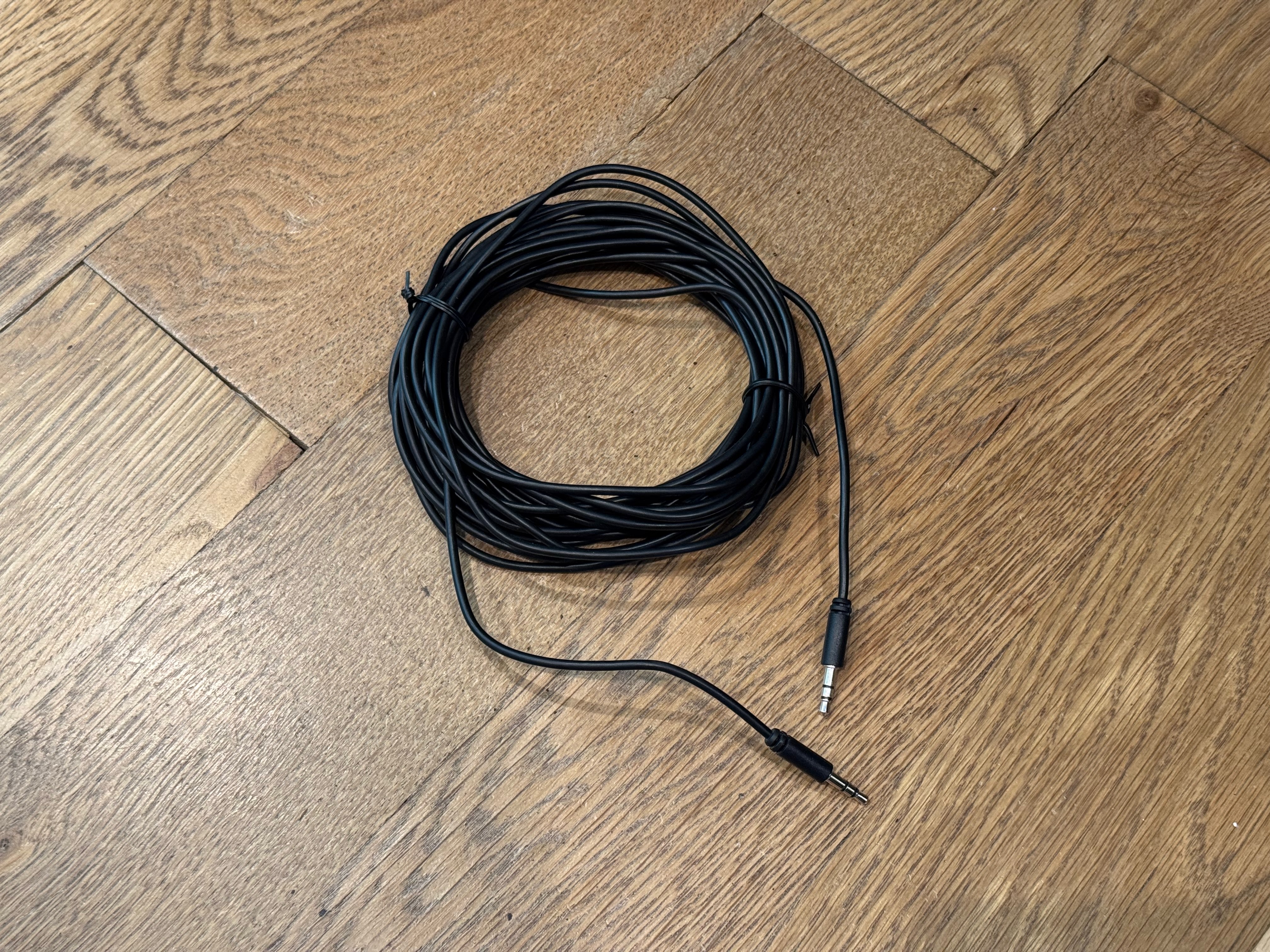
USB 3.5mm to USB Audio Adaptor (sound card)
This reduces a strong, loud audio signal (line-level) down to a weak audio signal (mic-level).
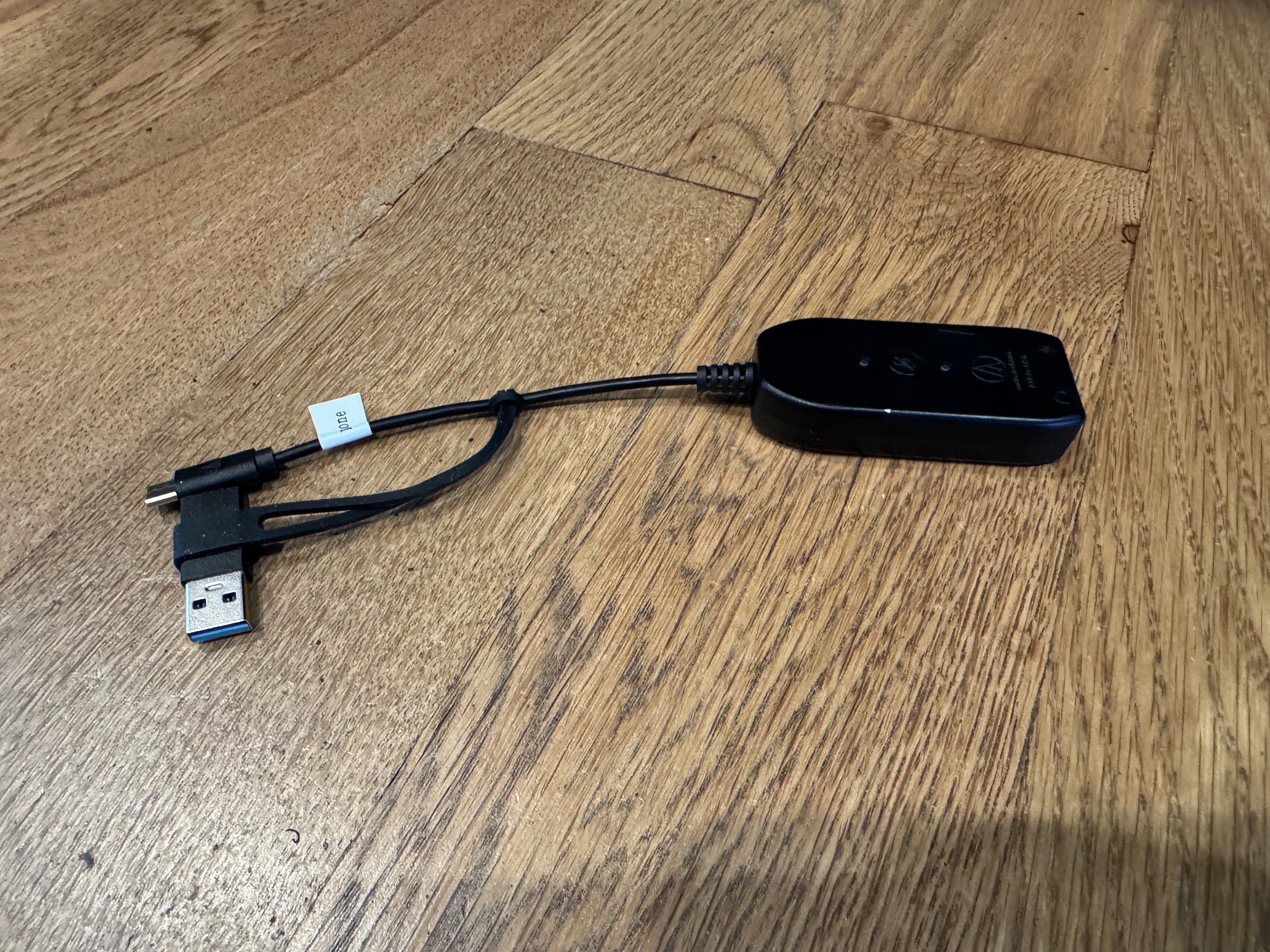
3.5mm to RCA Audio Cable
Connects the audio adapter to the assistive listening hub.
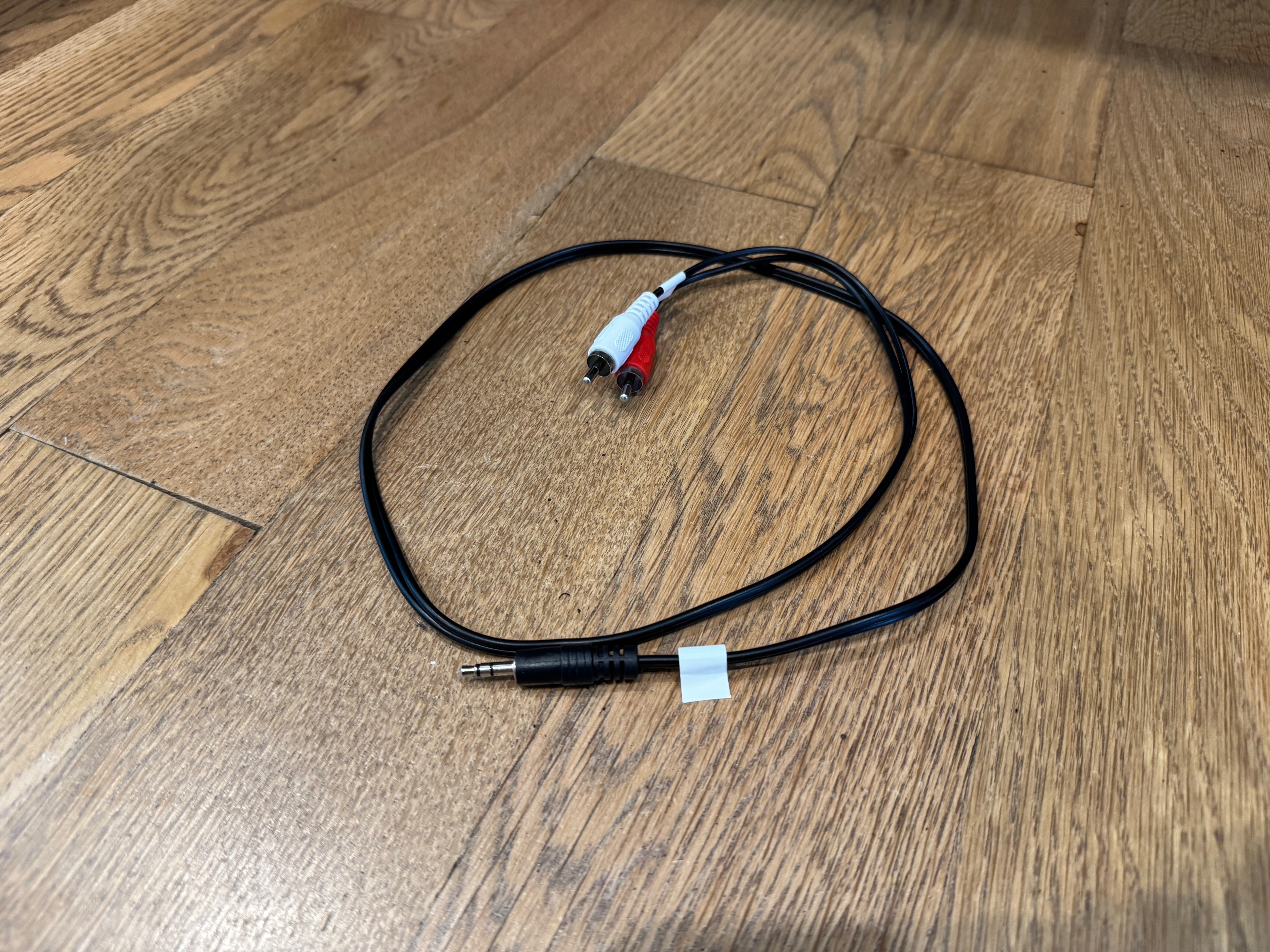
[3] 2nd Language Audio Broadcaster
If you need to broadcast two languages in the same meeting then you will need cables to connect a device to an assistive listening hub.
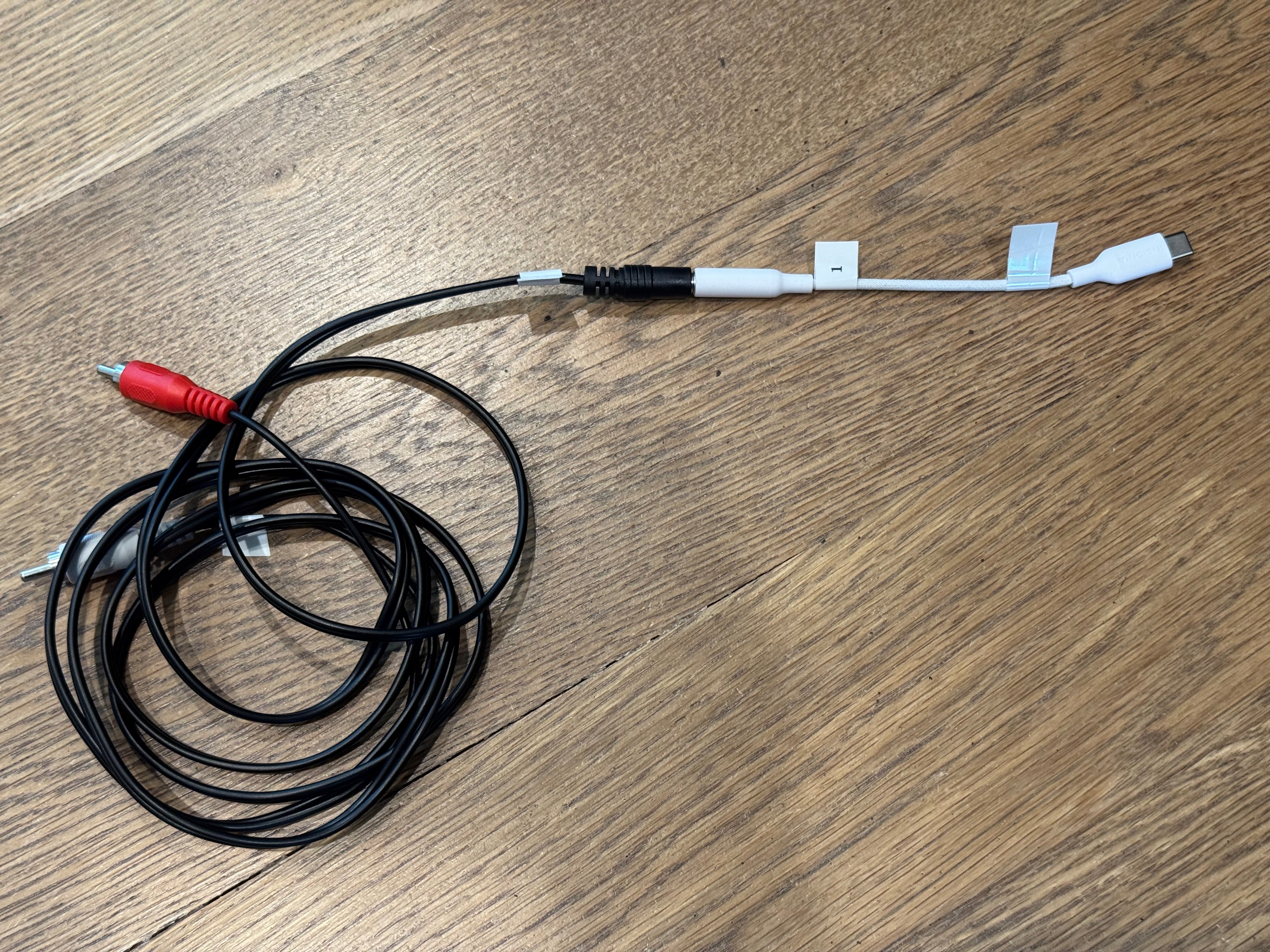
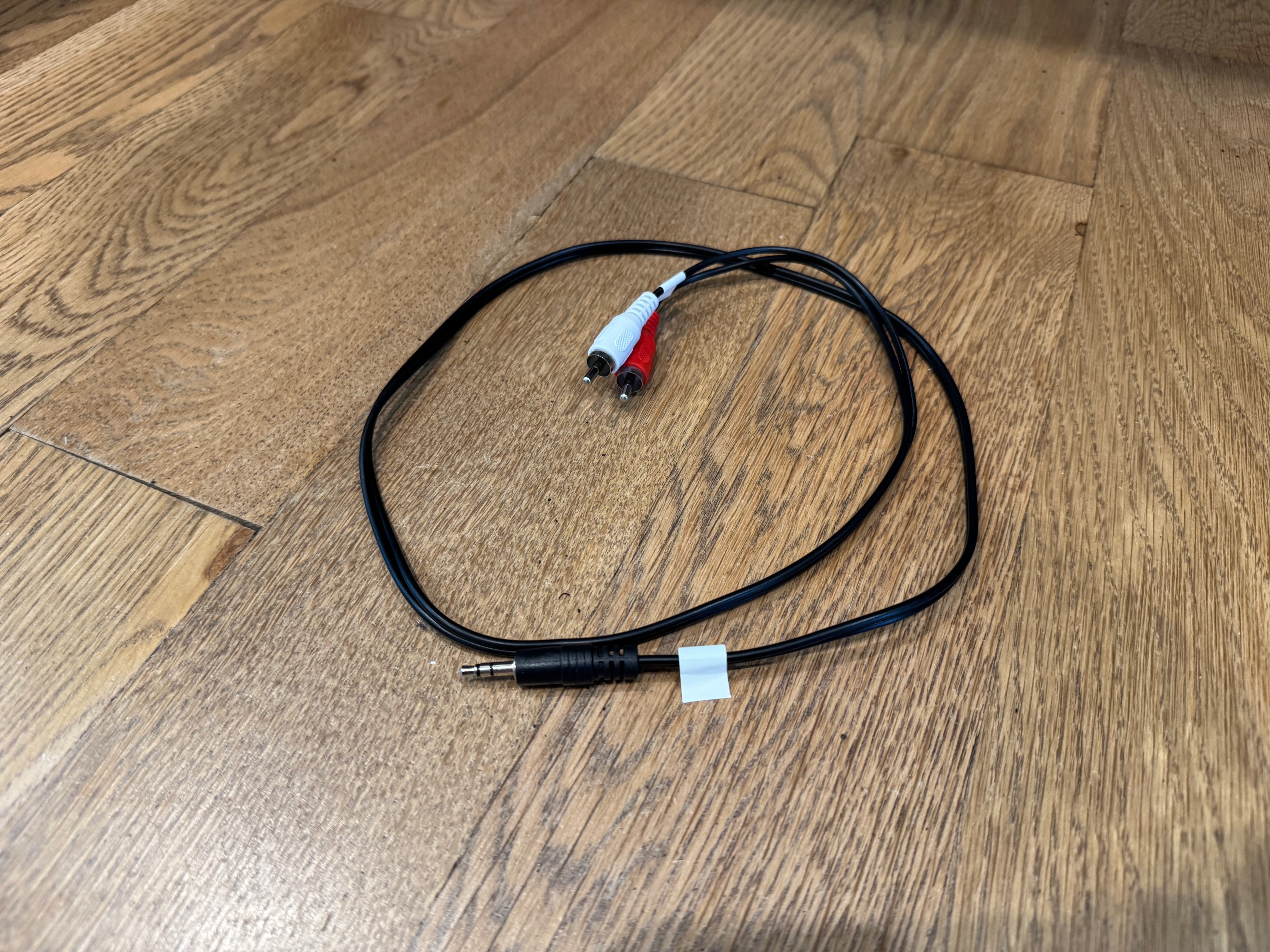
3.5mm to RCA Audio Cable
Connects the audio adapter to the assistive listening hub.
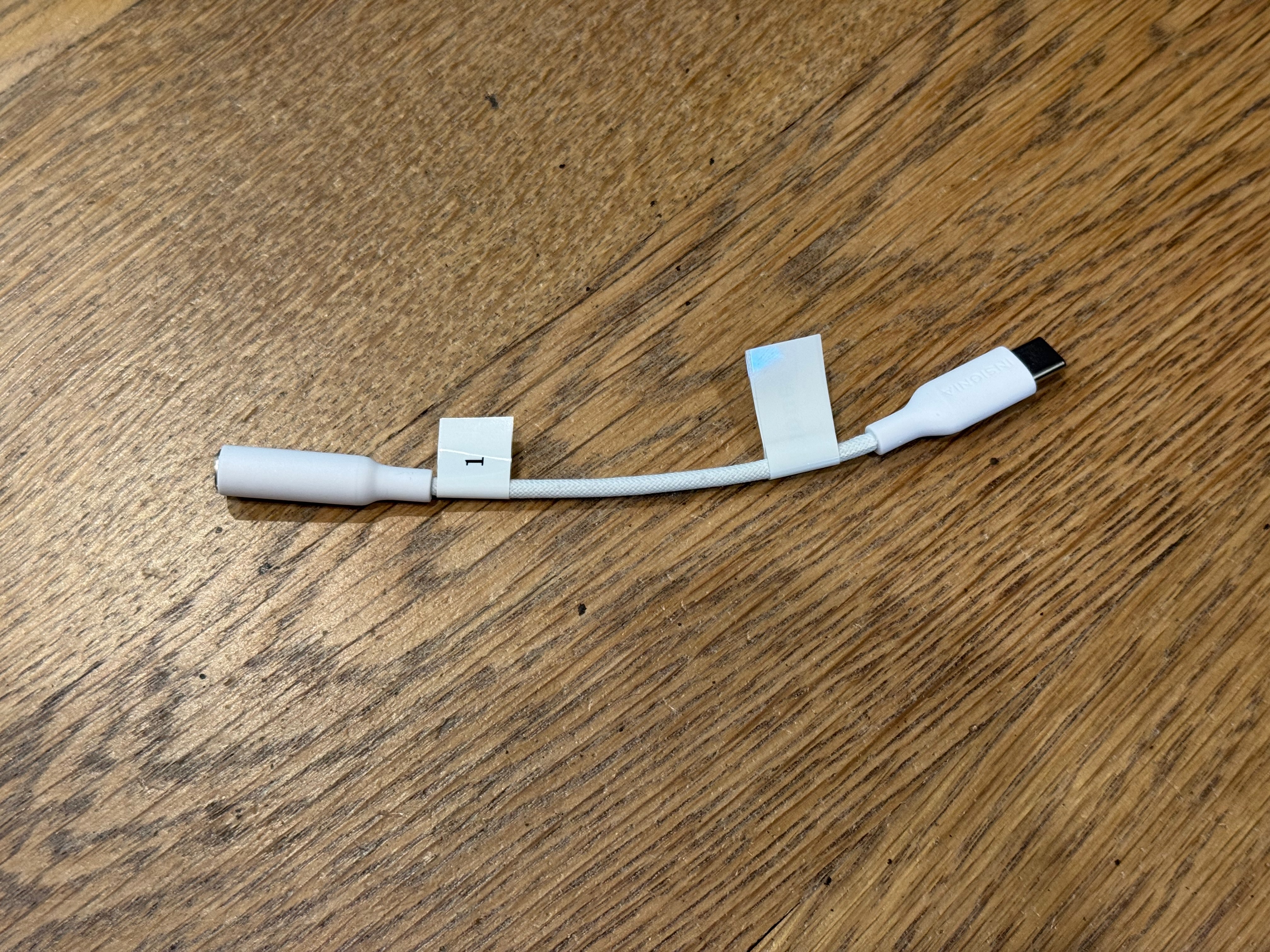
USB C to 3.5mm Audio Adapter
Adds 3.5mm audio out support to a device.
Assistive Listening System hub
Broadcasts the audio input into the hub to the connected listening devices.
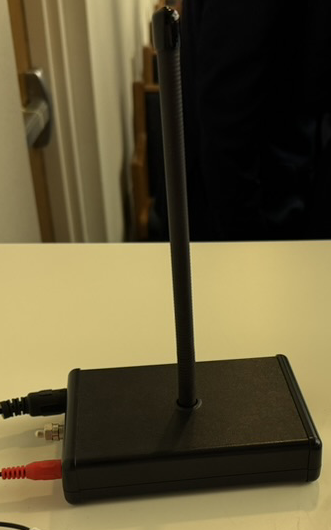
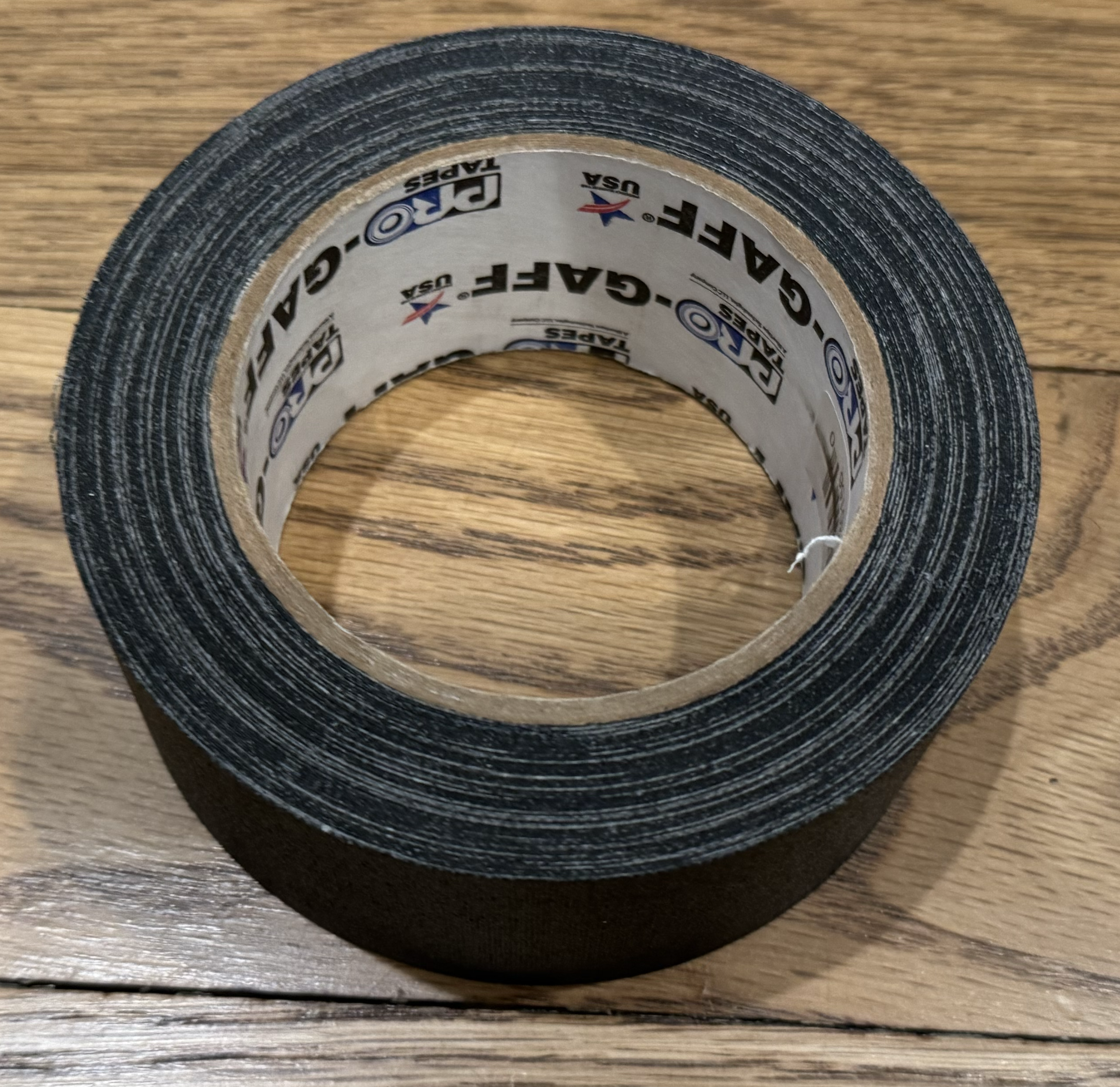
Gaffer tape or Carpet Cord Cover
If you have to run cables along the floor you will need to tape it down so people don't trip. There are also carpet cord cover solutions which are velcro and can be reused.