Start Audio Translation
Select translation mode: Auto or Manual. Default is Auto.
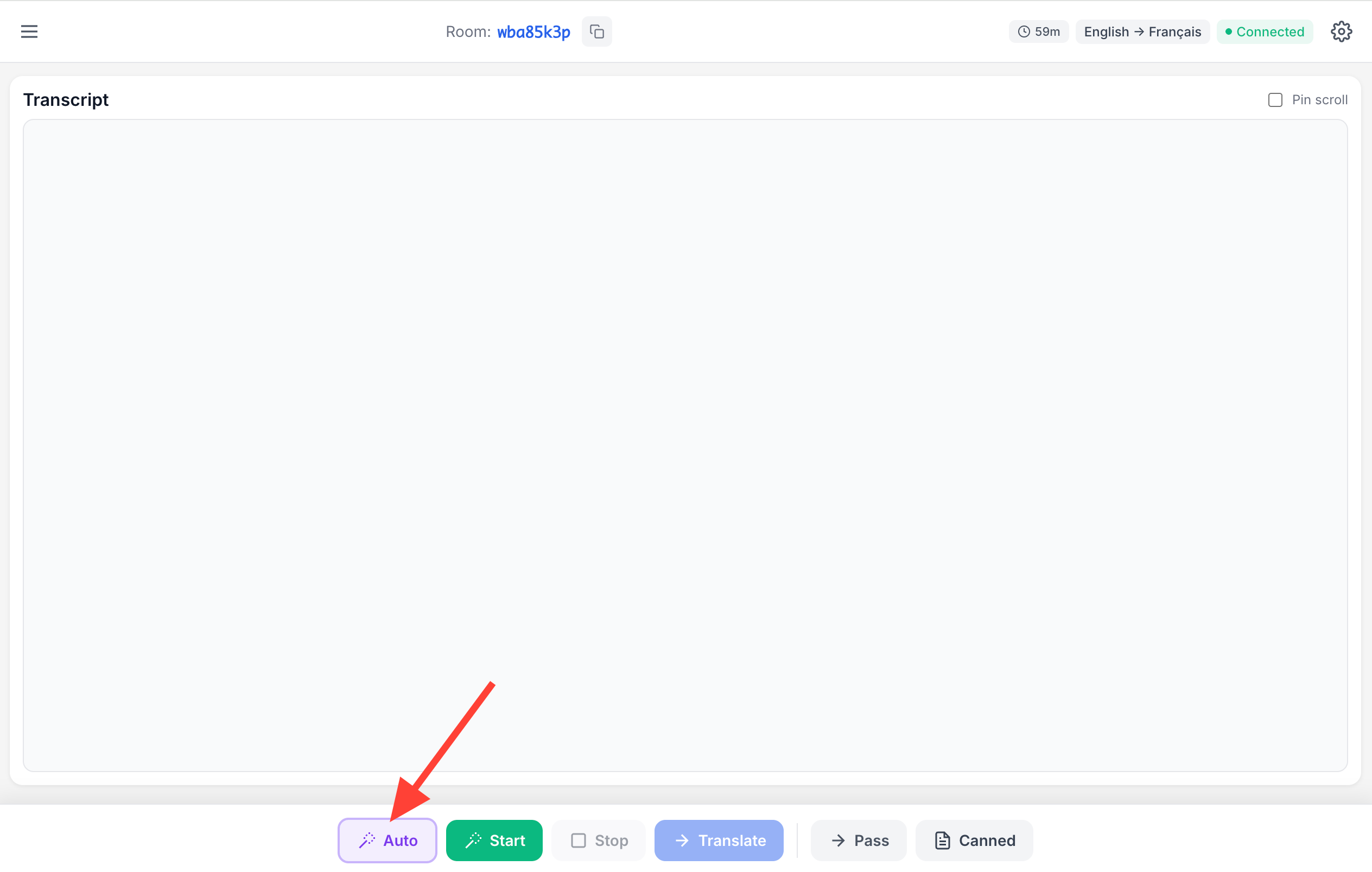
Click the Start button to begin capturing audio.

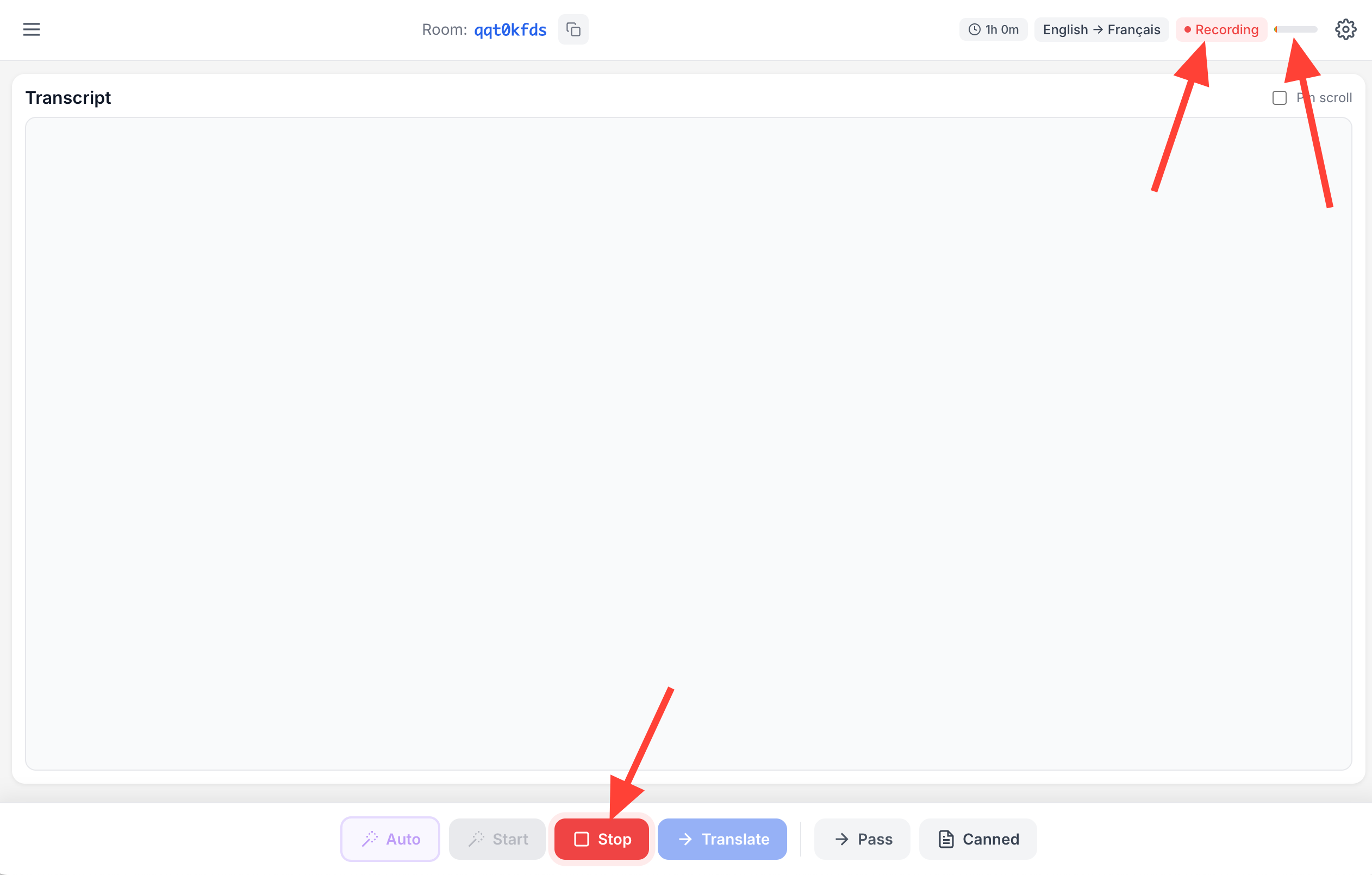
- Wait for:
- The Stop button to become enabled
- A recording icon to appear in the top right
An audio meter to show input from your selected microphone
Translate Audio During Pauses
Auto mode
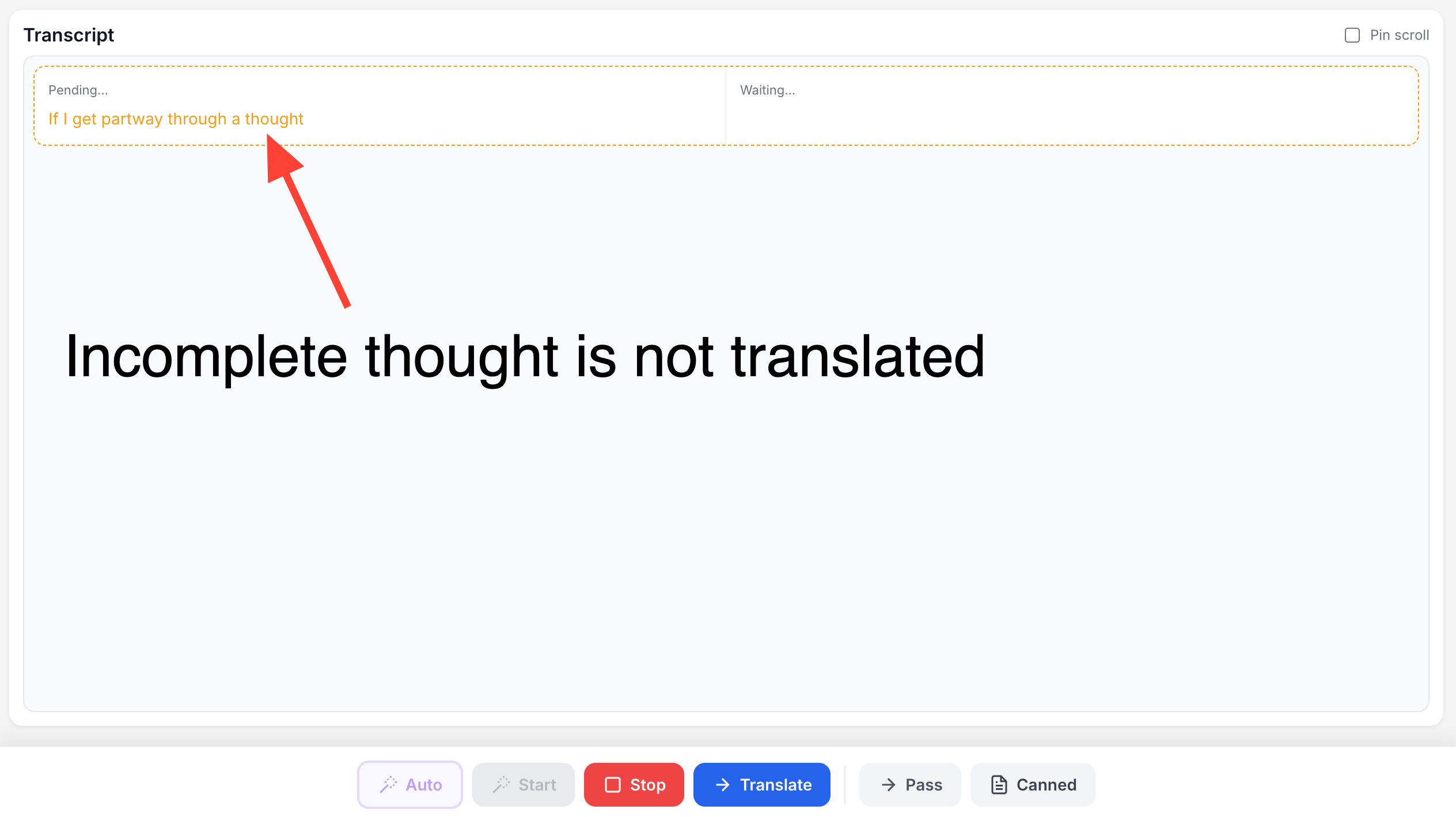
In Auto mode, AI will monitor the audio feed. When AI detects brief moments of silence (configurable in settings), it analyzes the transcription to see if it is a complete thought. If it is then the text is translated, otherwise AI waits for more speaker to finish their thought.
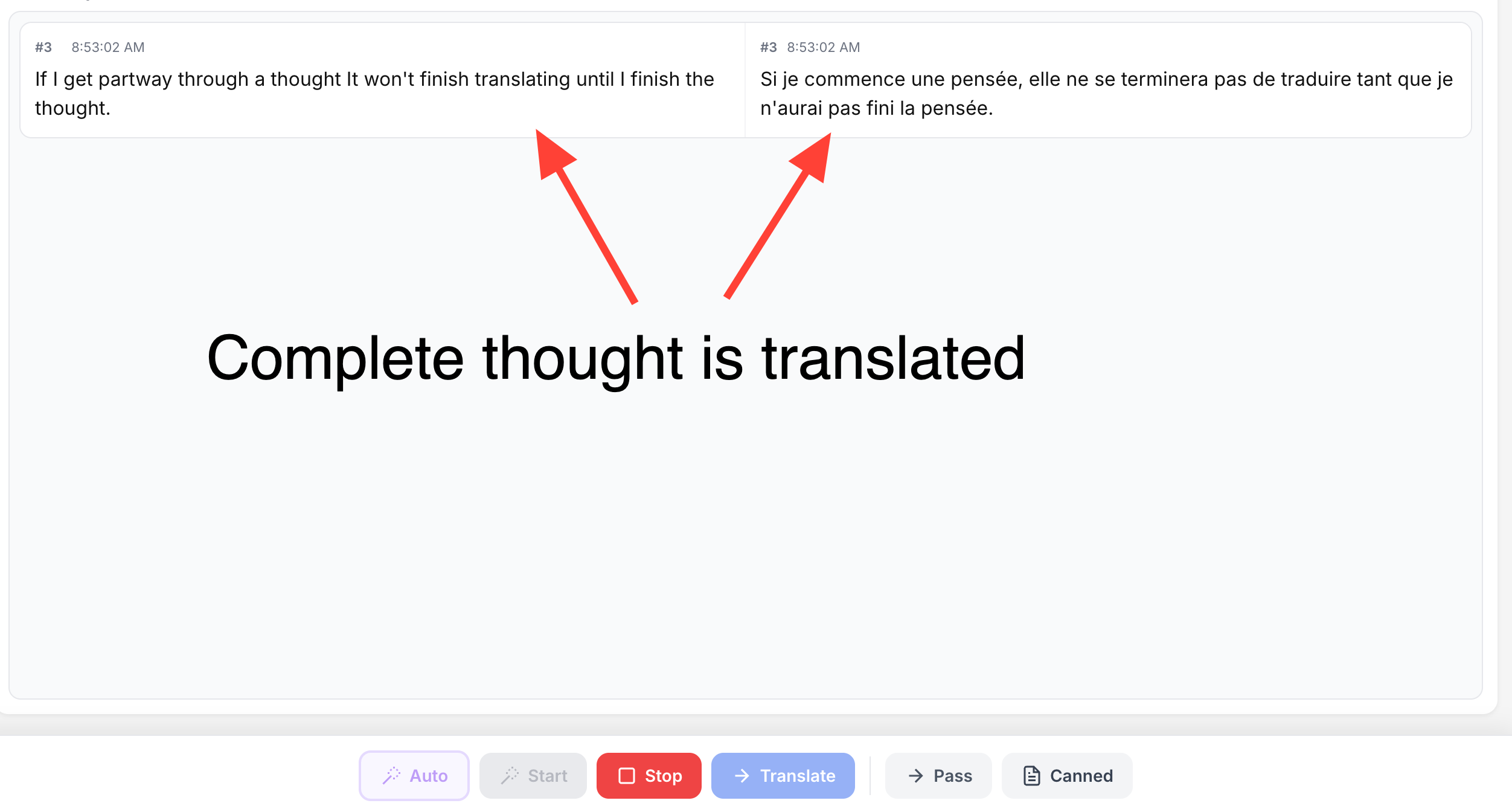
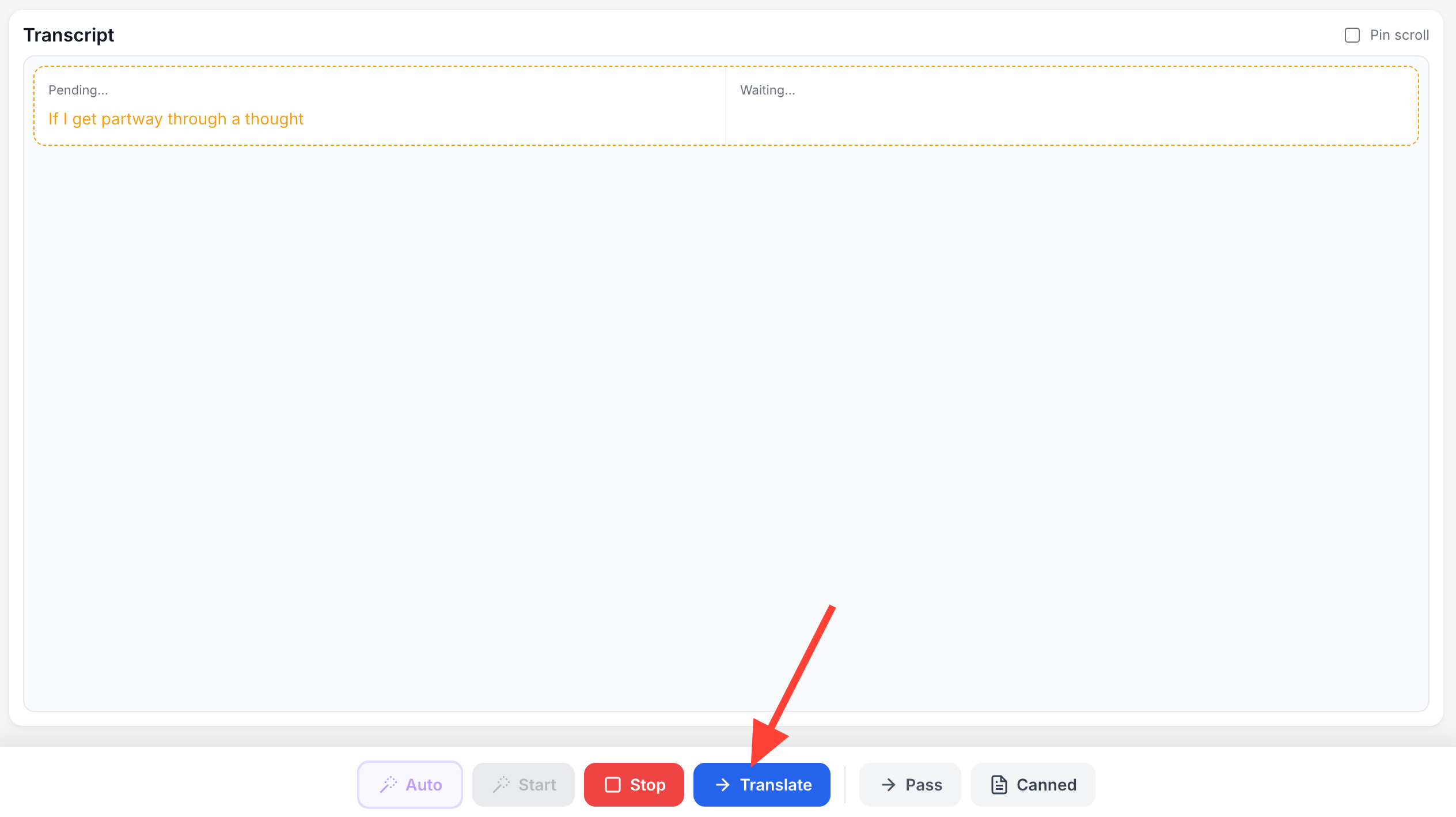
You can force a translation at any time by clicking the Translate button.
Manual mode
If for some reason Auto mode does not work in your circumstance you can manually tell the AI model when to translate.
- Click the blue Translate button when:
- There is a pause in the speaker's speech
Preferably after a complete thought

- Each time you click Translate:
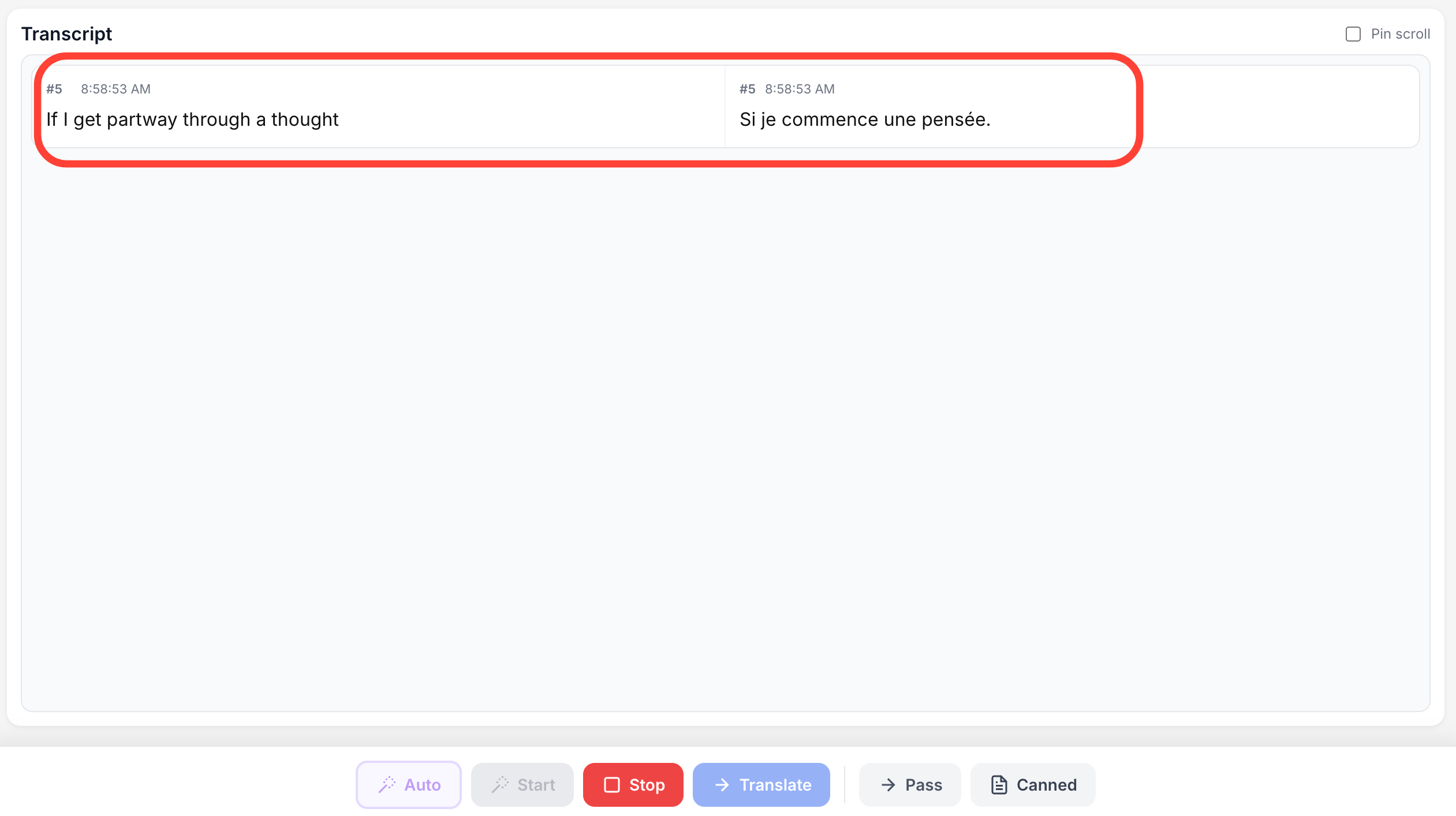
- A new card appears in the transcript list
- Status shows "transcribing" and "waiting"
- Text is transcribed and translated into the target language
Stop Translation When Not Needed
- Click the Stop button when no one is speaking, for example, before signing a song
This prevents background noise from being processed

- Click Start again before a new speaker begins.